Why Create Hardware Connectors
Connectors are the fundamental hardware for joining cabinets [such as 32mm system connectors, two-in-one connectors, dowels, etc.]. To ensure our cabinet designs can be manufactured, you must first create your own hardware connectors. While the Zhumu Furniture Design System comes with built-in hardware connectors, each company uses connectors of different dimensions. Additionally, to better manage your own data, we recommend that new users establish their own hardware database.
Opening the Connector Manager
- Open the Zhumu Cloud Platform and click the icon shown below
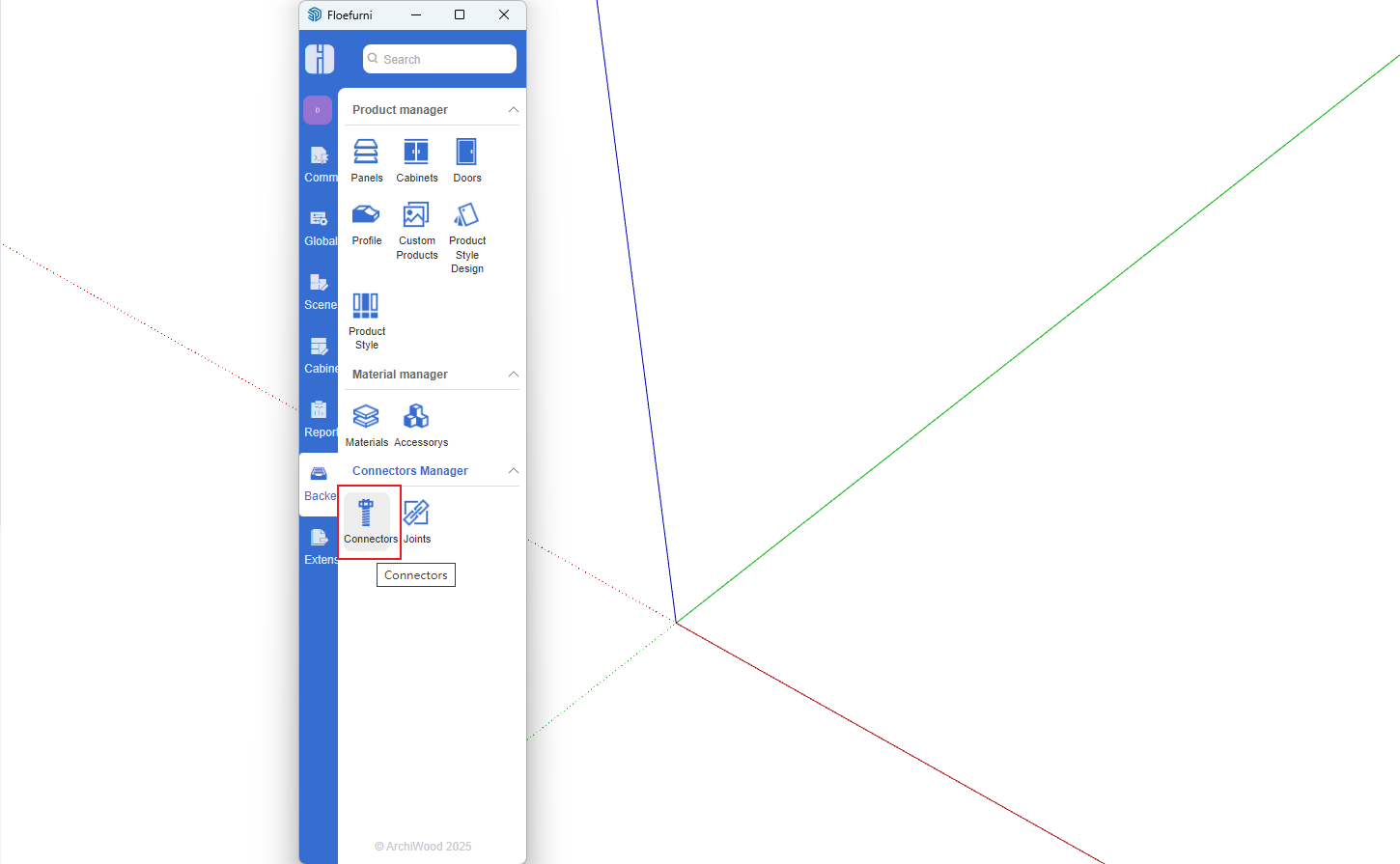
- Open the Hardware Connector Manager
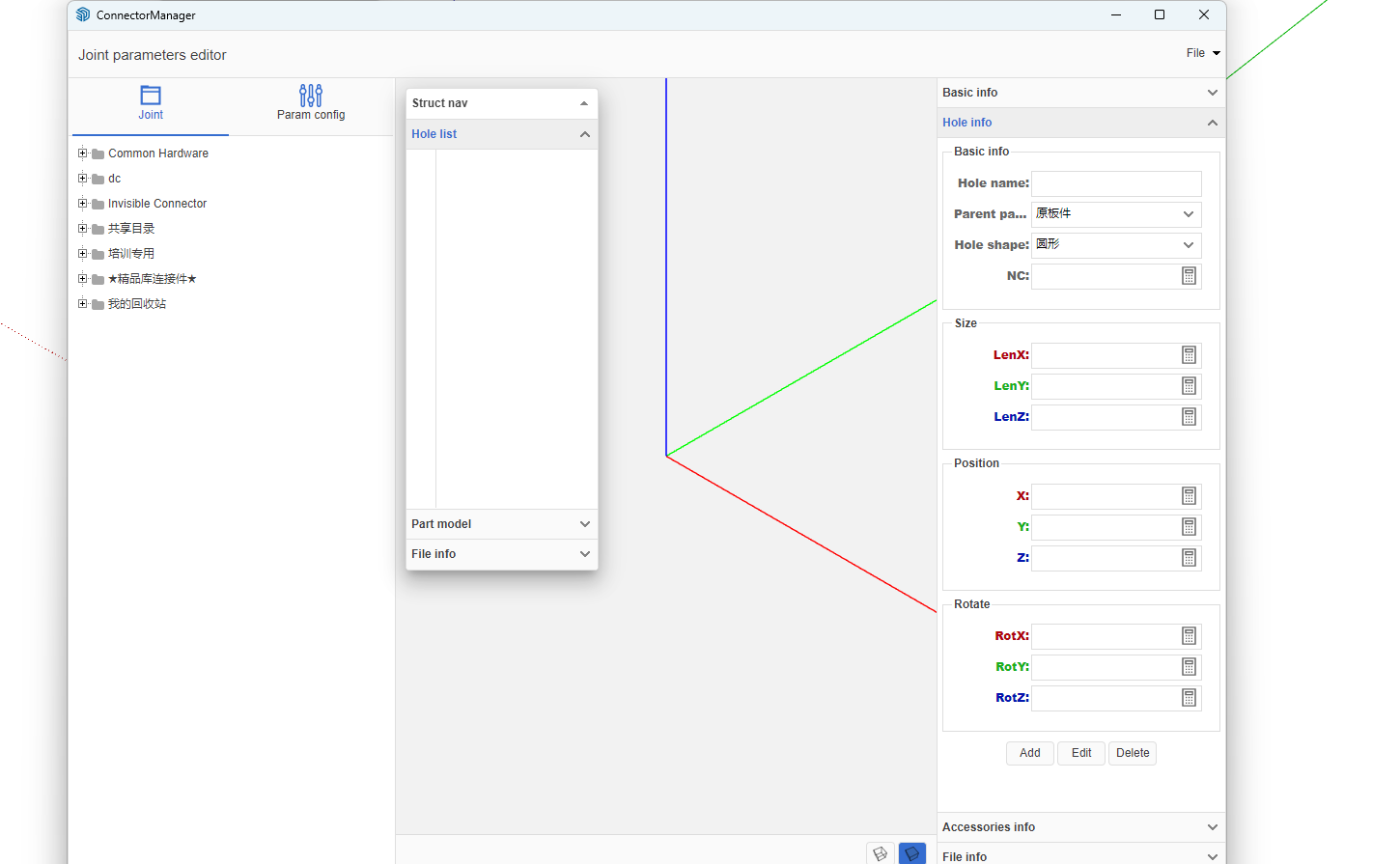
Creating Connectors [Using 32mm System as an Example]
- Create your own directory folder
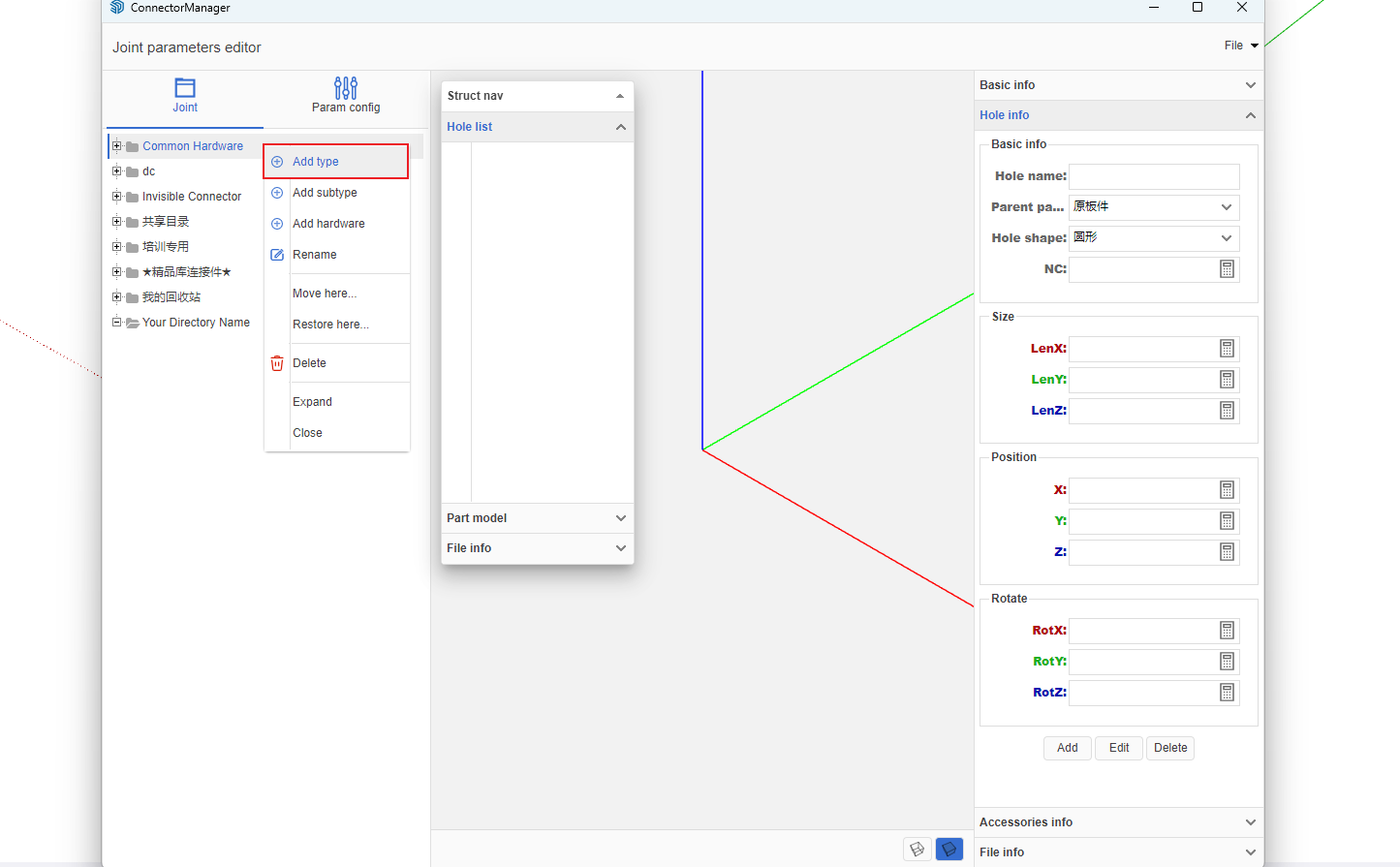
- In the right-side connector list, click any node -> Right-click menu -> Add Category
- Enter the category name [Zhumu recommends using your company name]
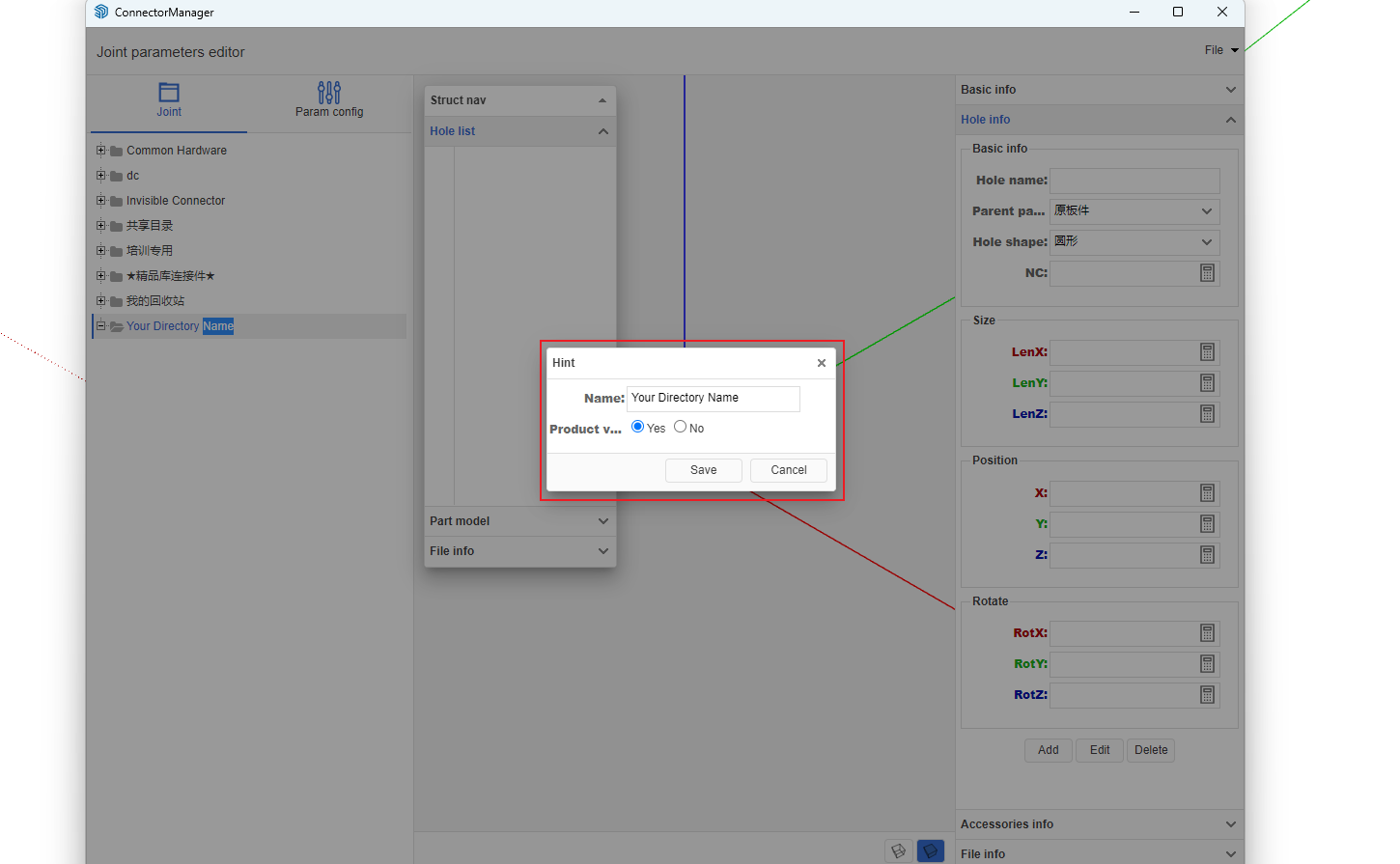
-
Add Hardware
- Click the created category node -> Right-click menu -> Add Hardware
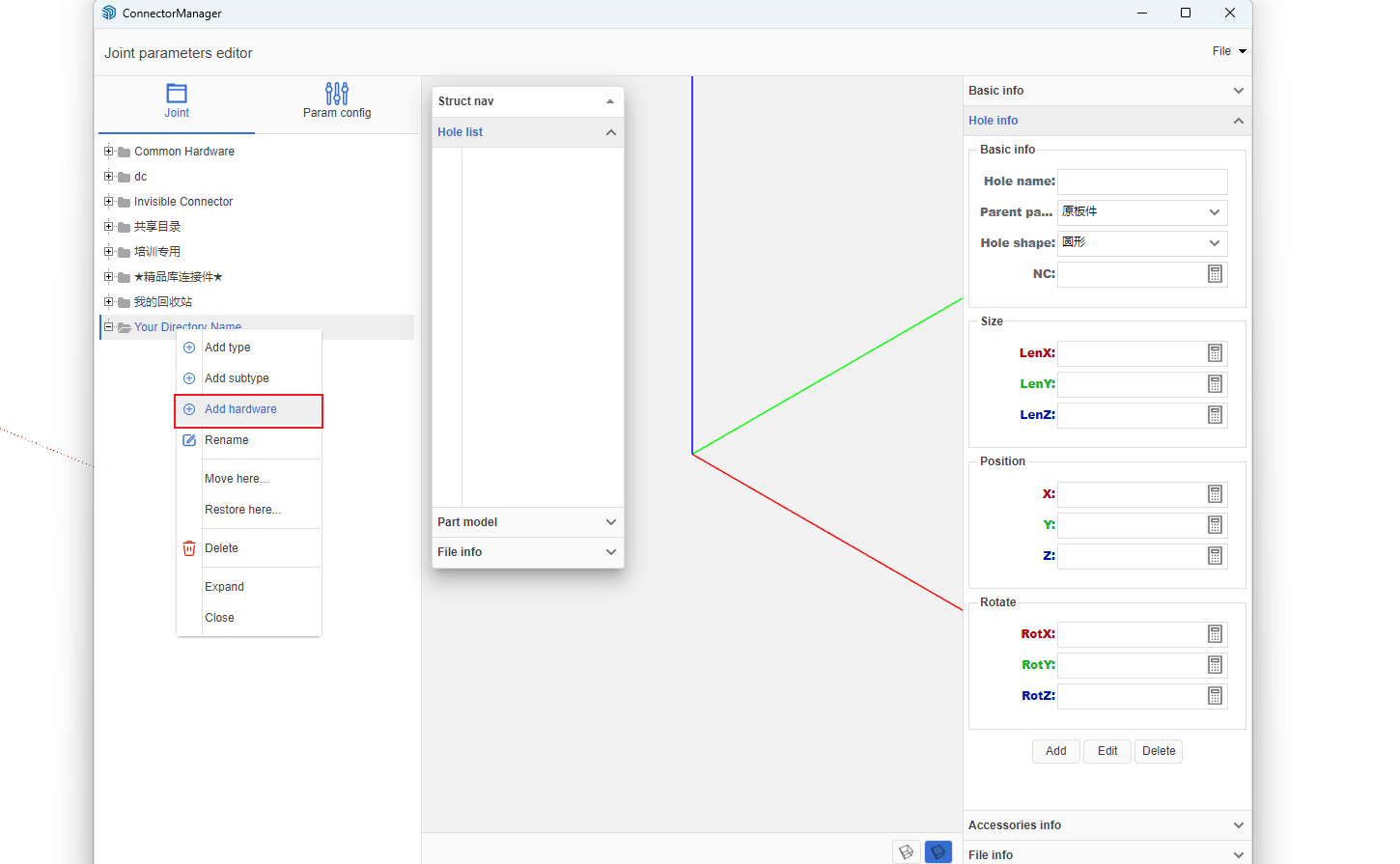
- A dialog box will pop up; enter the hardware name [using 32mm system as an example]. After entering, click OK.
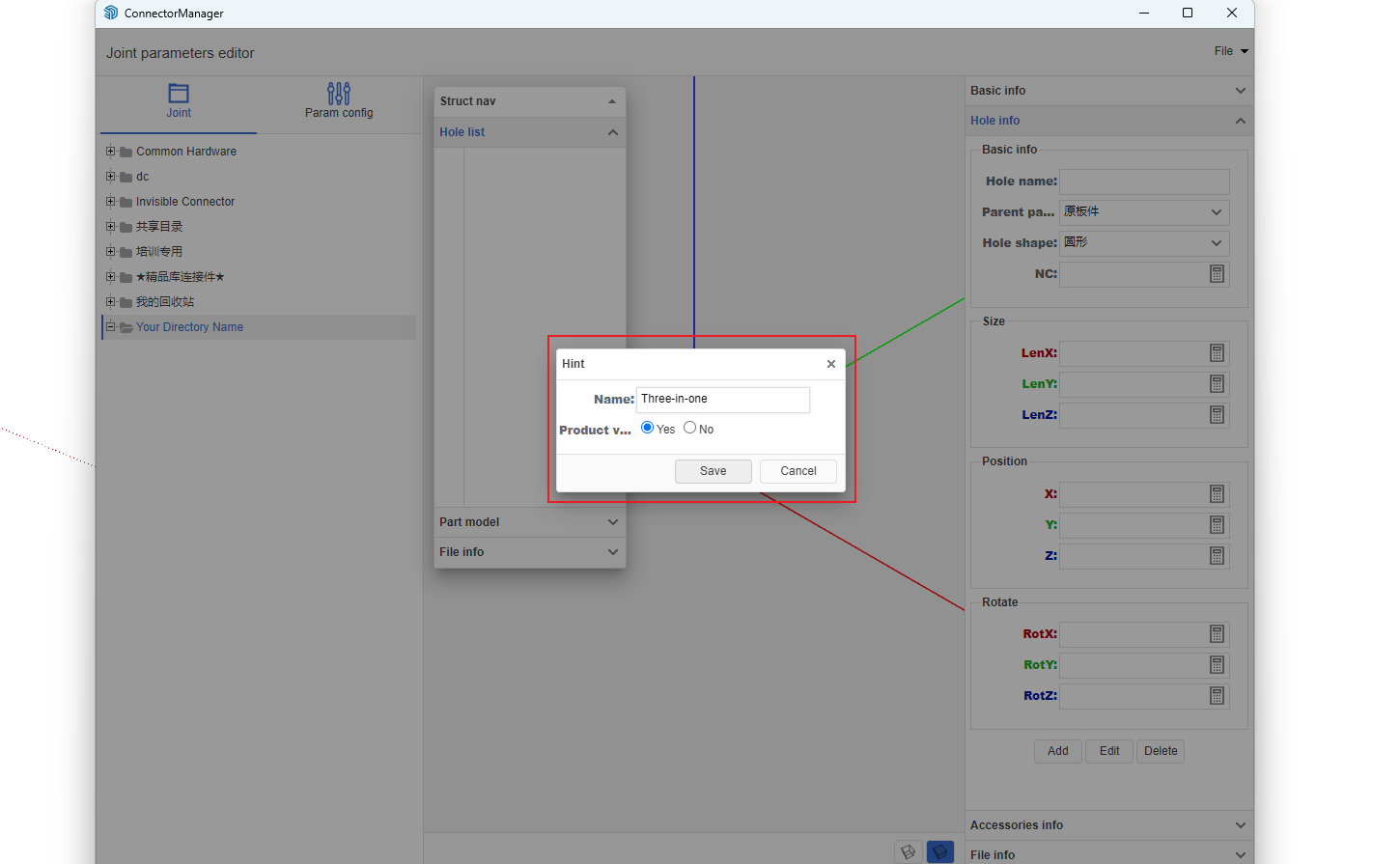
-
Click the connector you just created and modify the basic information. The connector type is particularly important - be sure to select according to the actual situation. After filling in other information, click Modify.
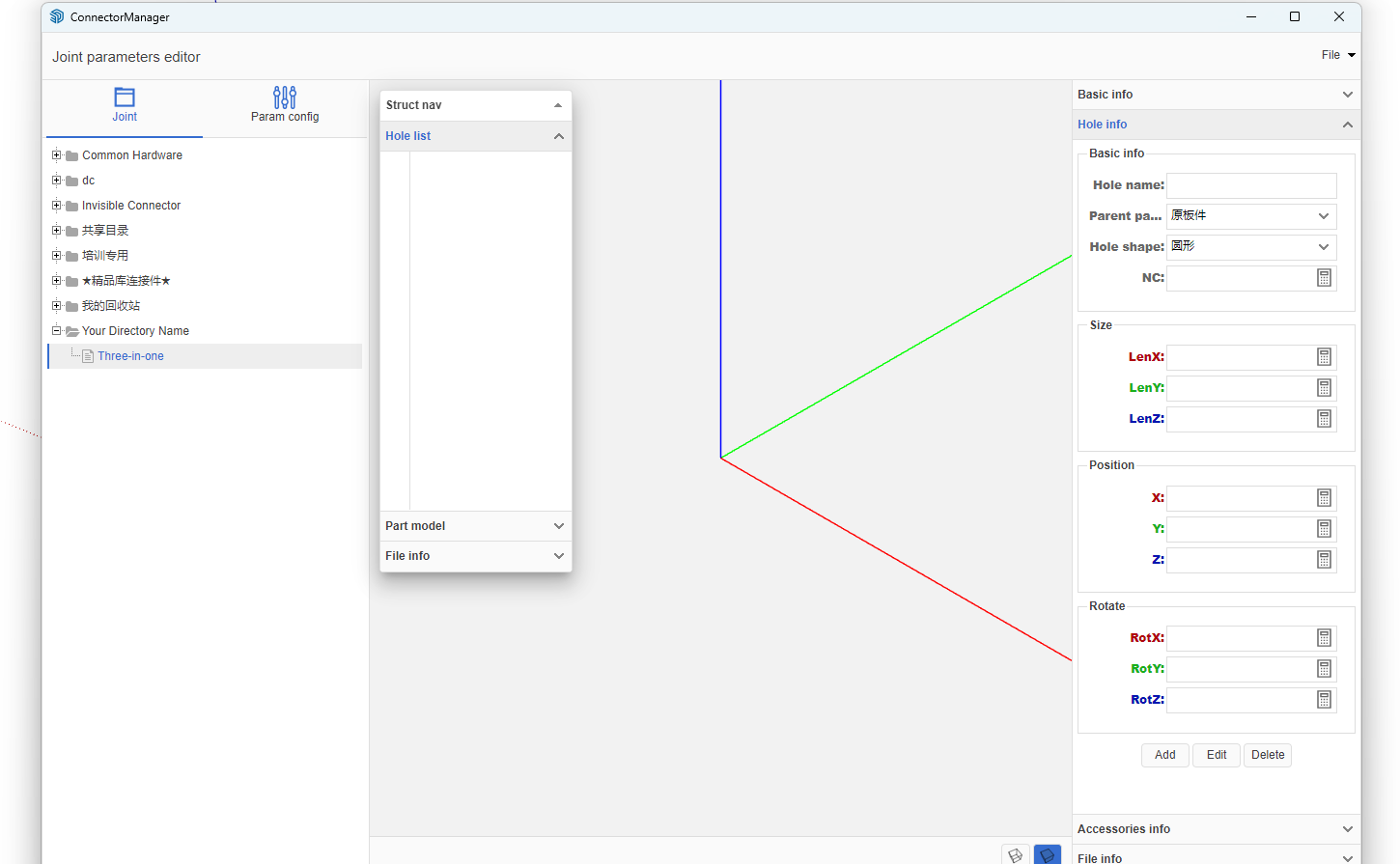
-
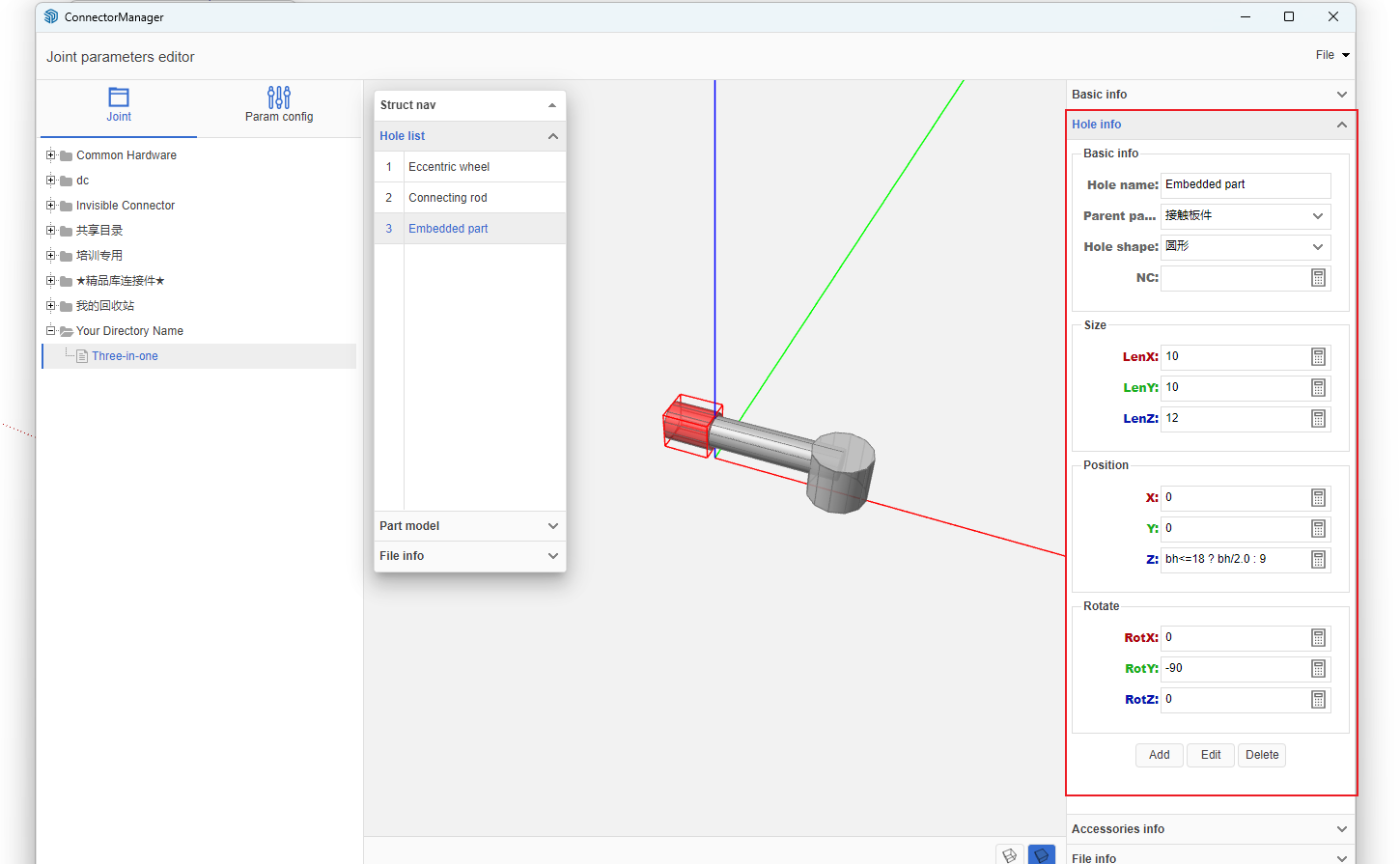
Open the Drilling Information panel and add hole position information. For example, a 32mm system connector includes three hole positions: vertical hole, side hole, and dowel hole.
Add or modify according to the actual hole dimensions.
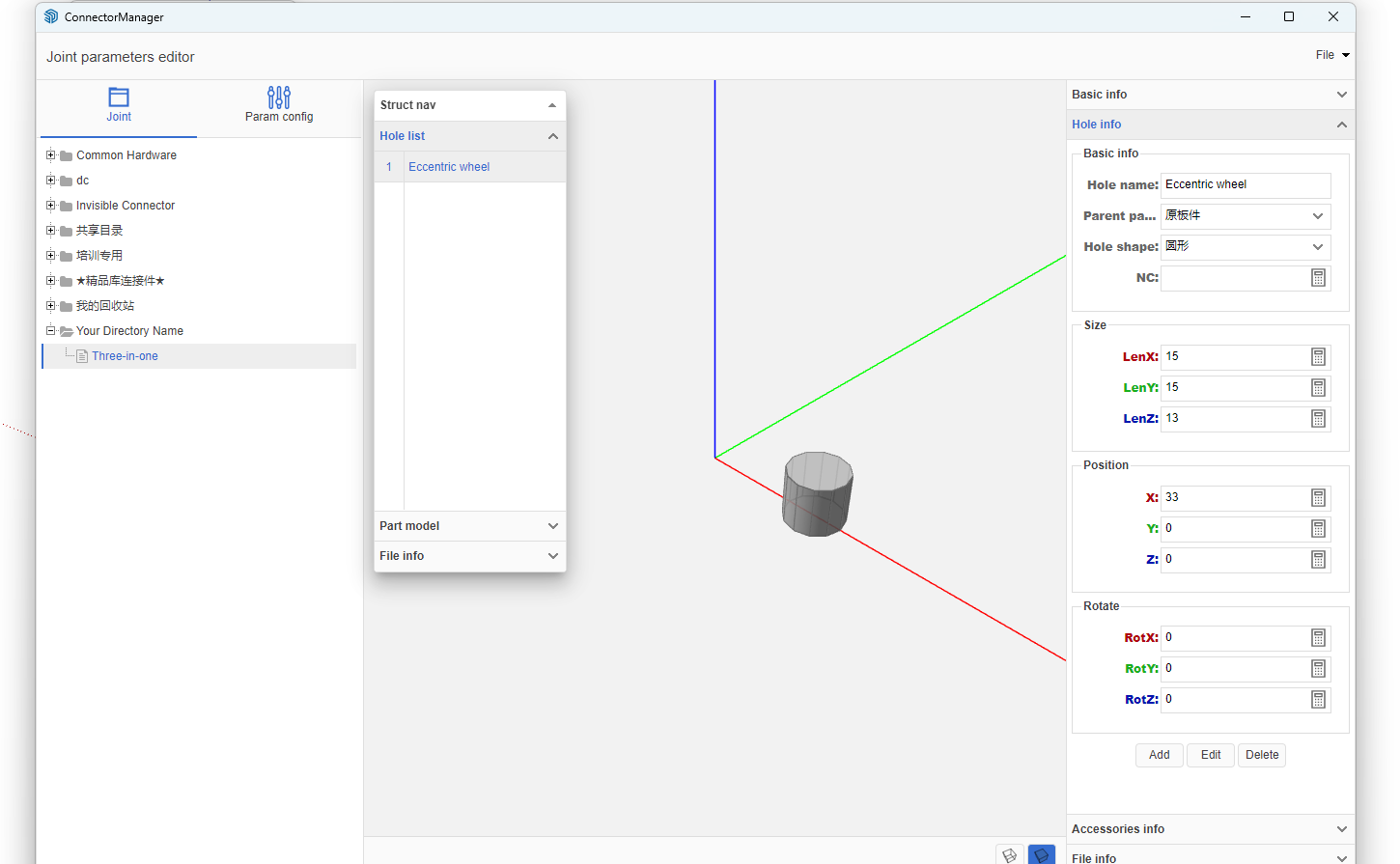
-
The completed result
- Detailed Video Tutorial

