Introduction
Zhumu supports space division functionality, which is particularly useful when designing cabinets or wardrobes to ensure all door panels have the same width.
Usage Method
- Activate the Space Division tool
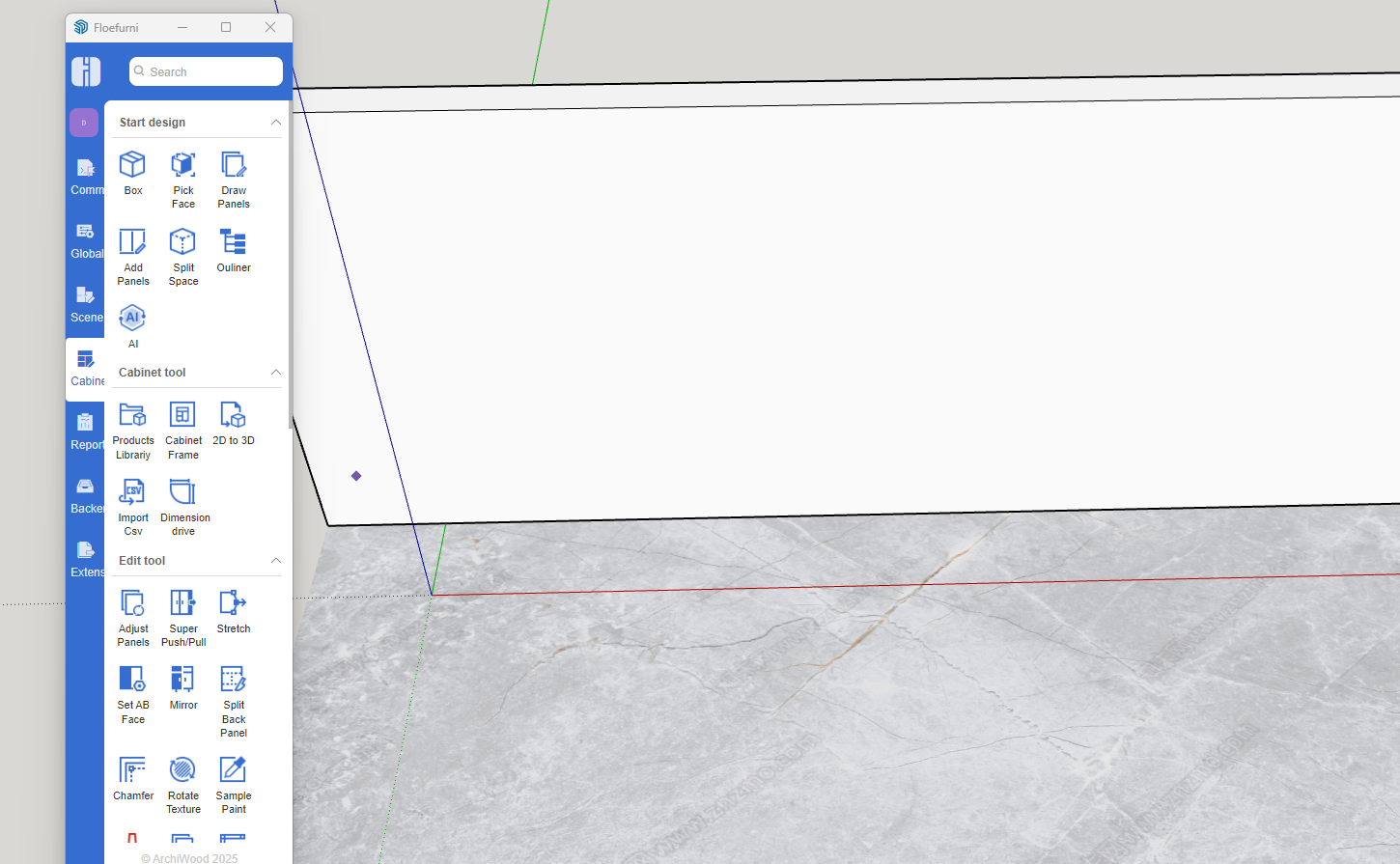
- Draw the space
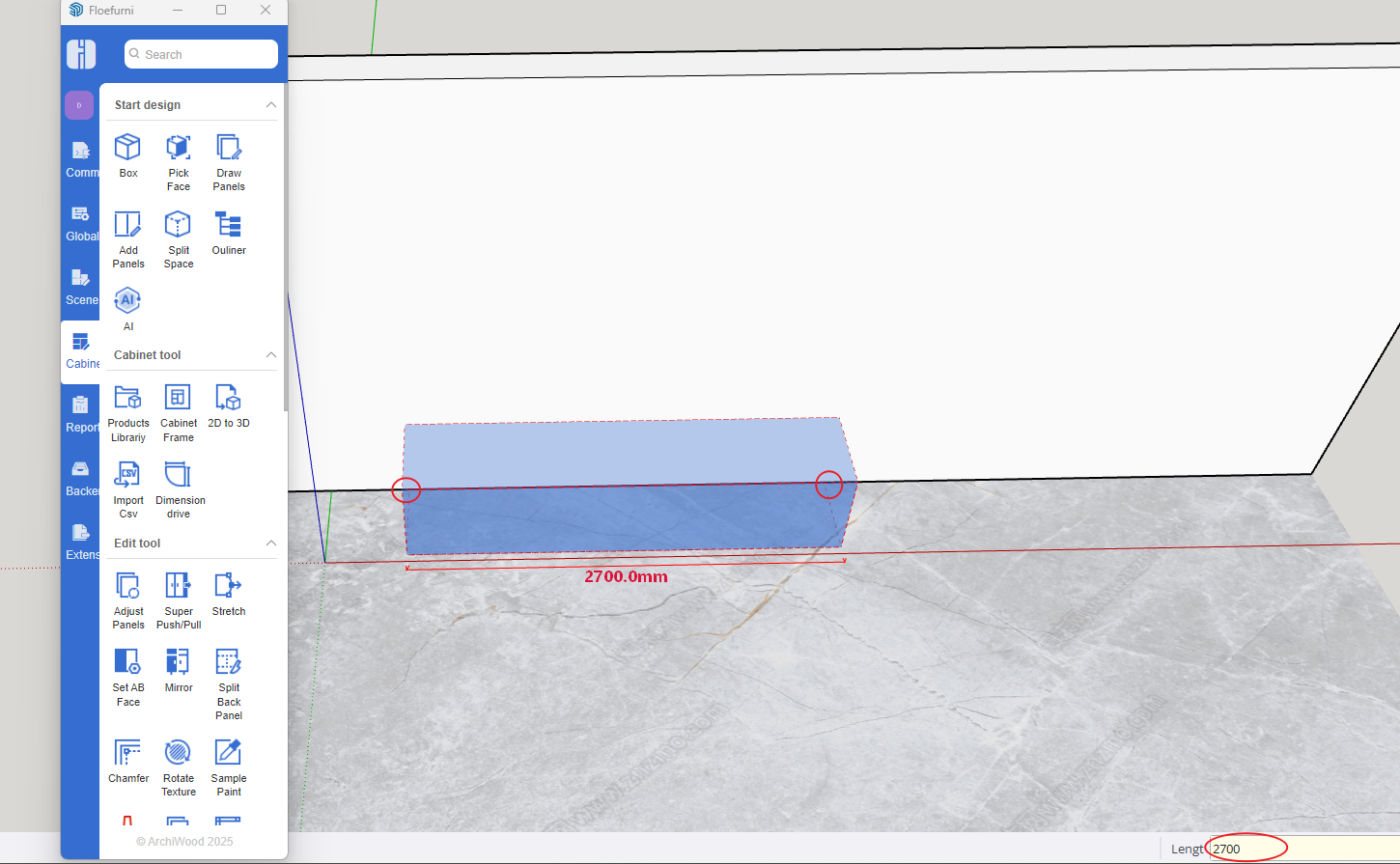
- Input the division scheme
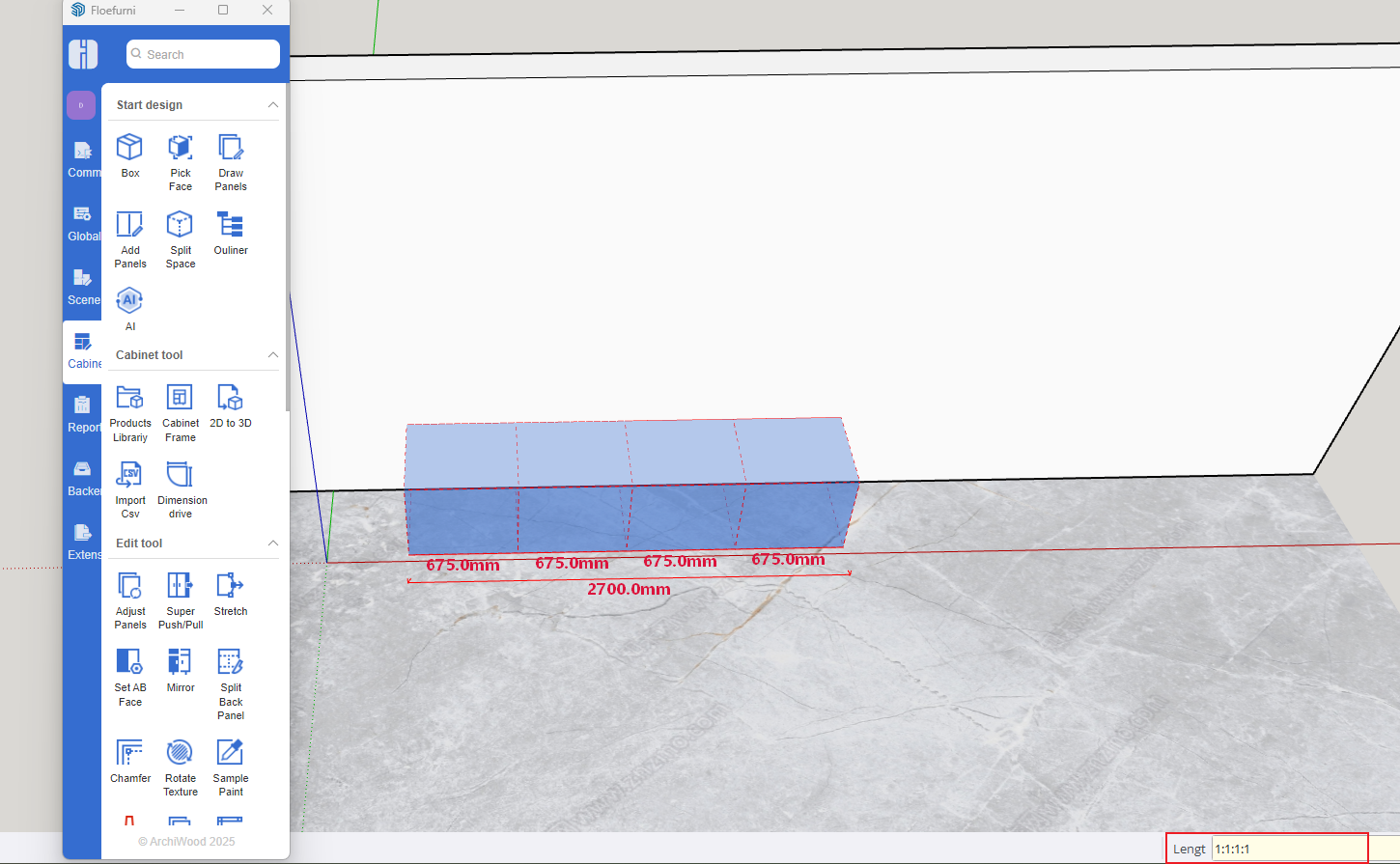
- Division Scheme Explanation
- 1:1:1:1 represents total dimension divided by 4, with each dimension equally distributed
- 900:1:1:1:900 represents fixed 900mm dimensions at both ends, with the remaining dimension (total minus 1800) divided by 3
- 900:900:900:900 represents four 900mm internal spaces
- Set space dimensions
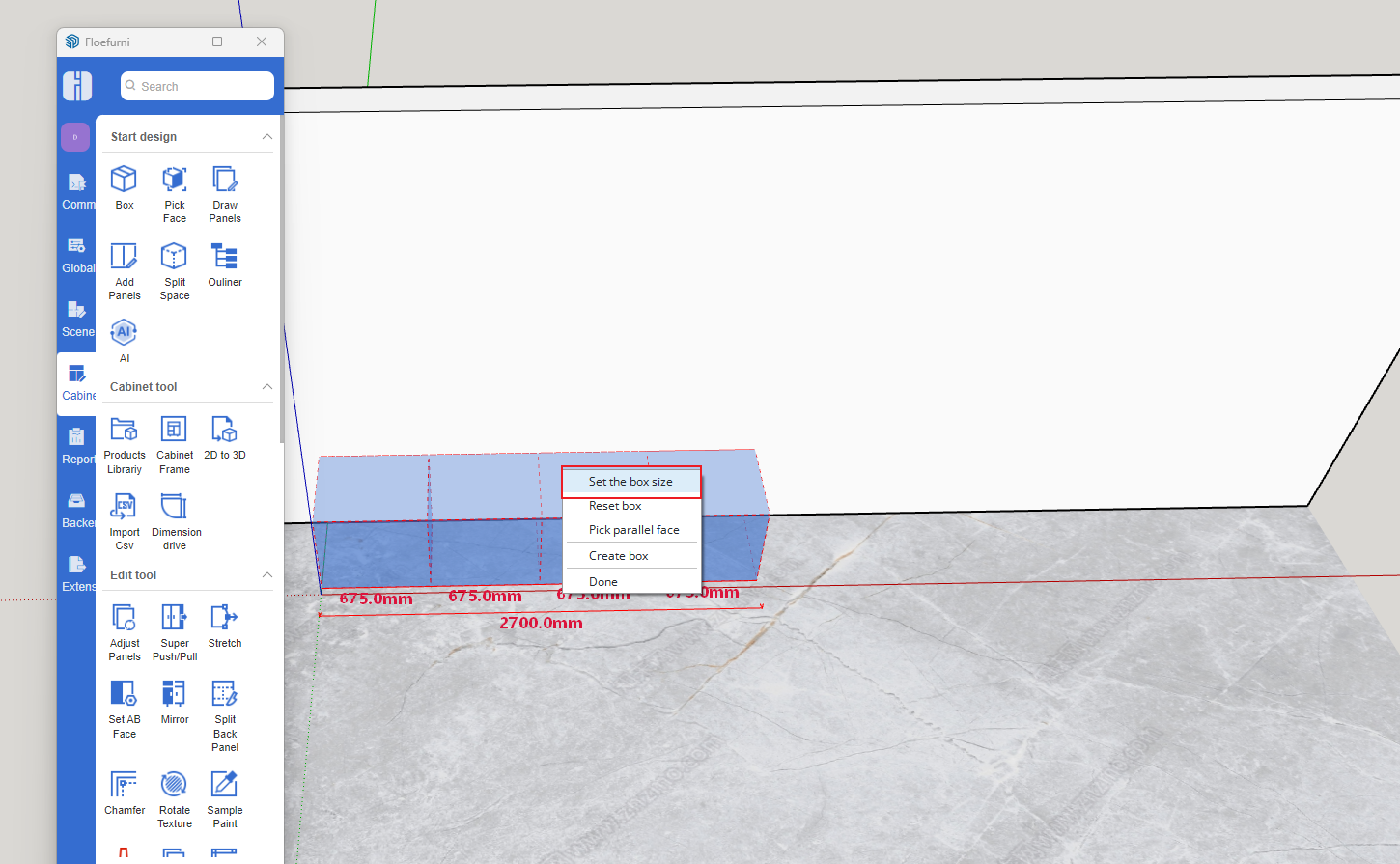
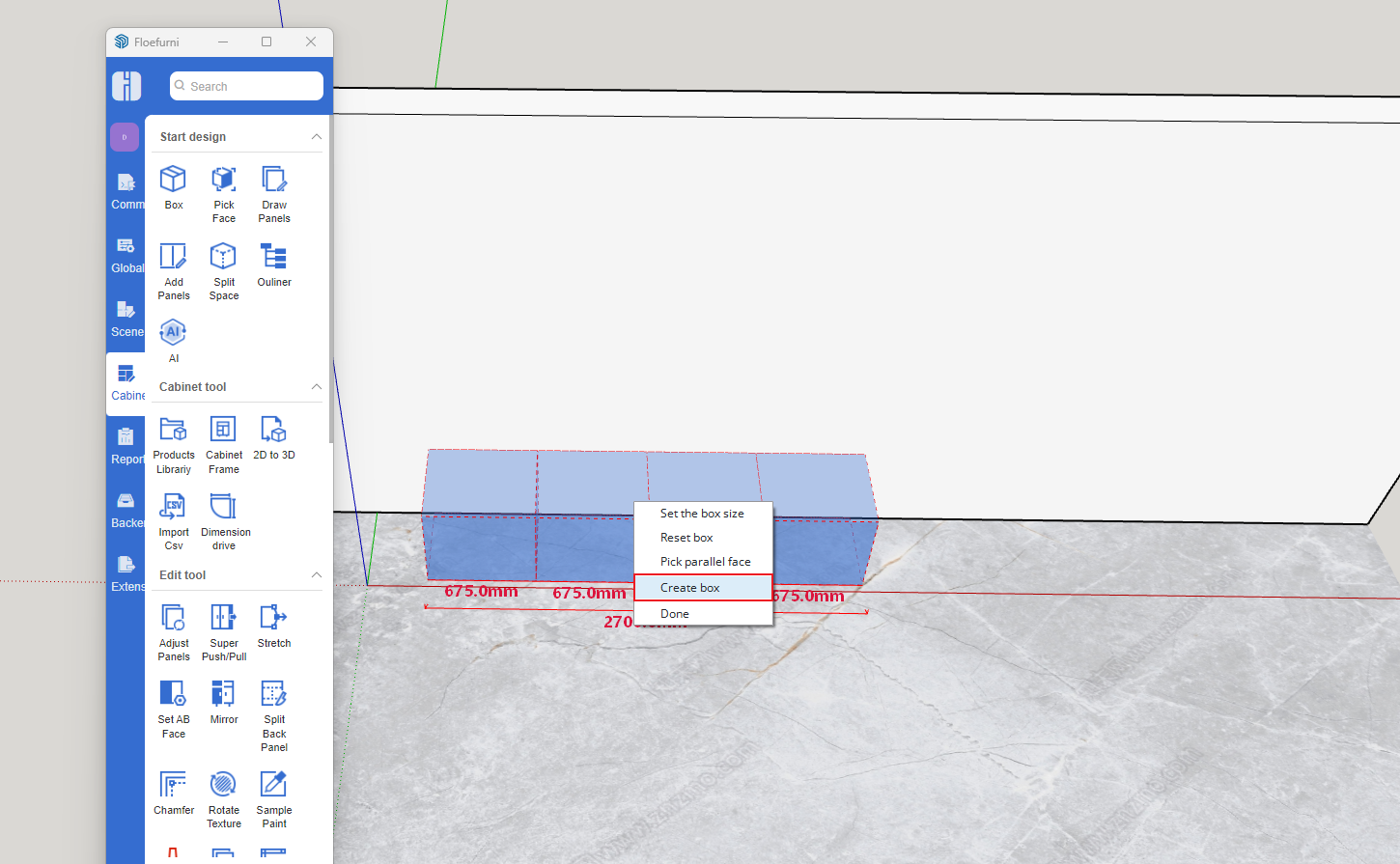
- Create divided objects
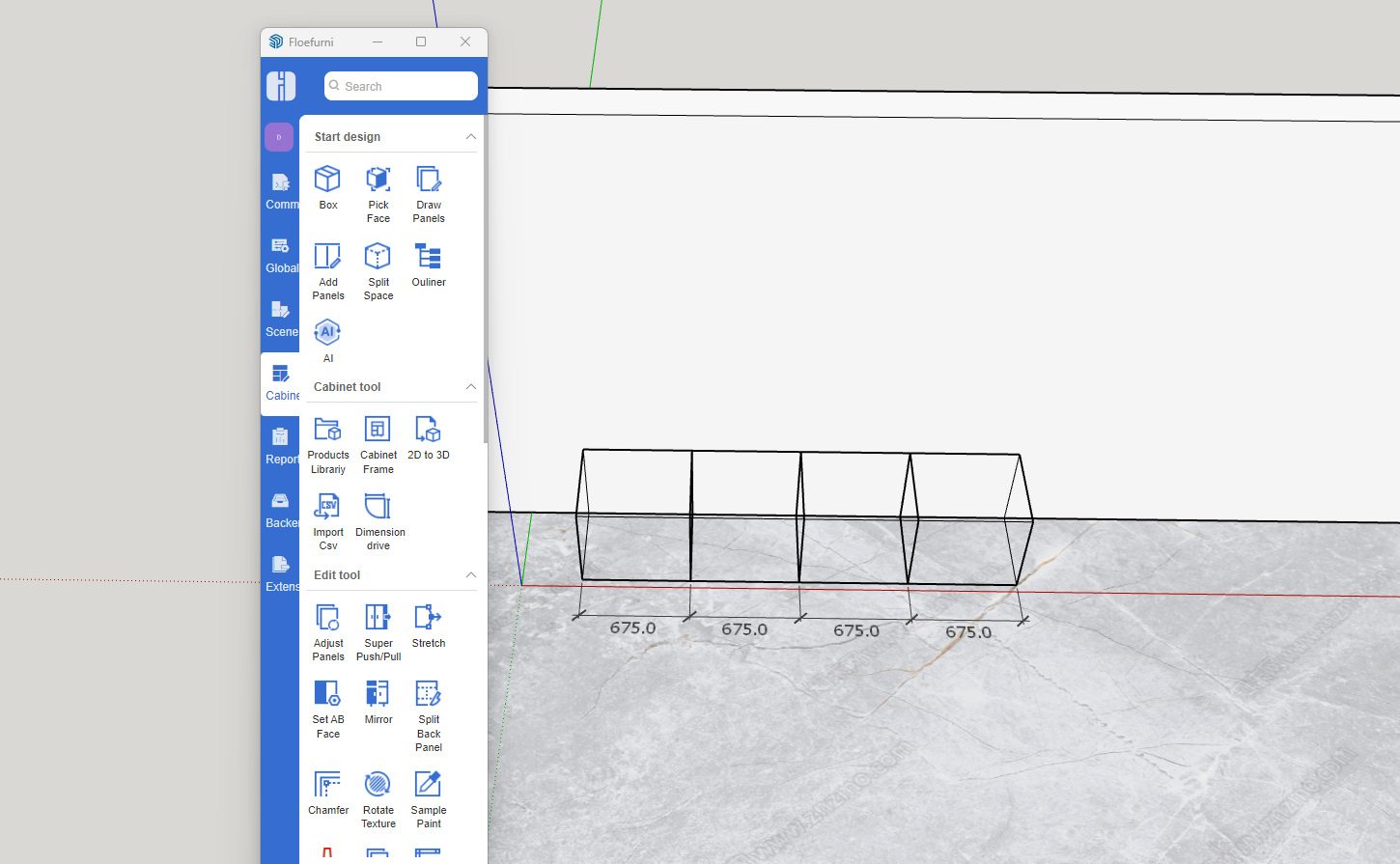
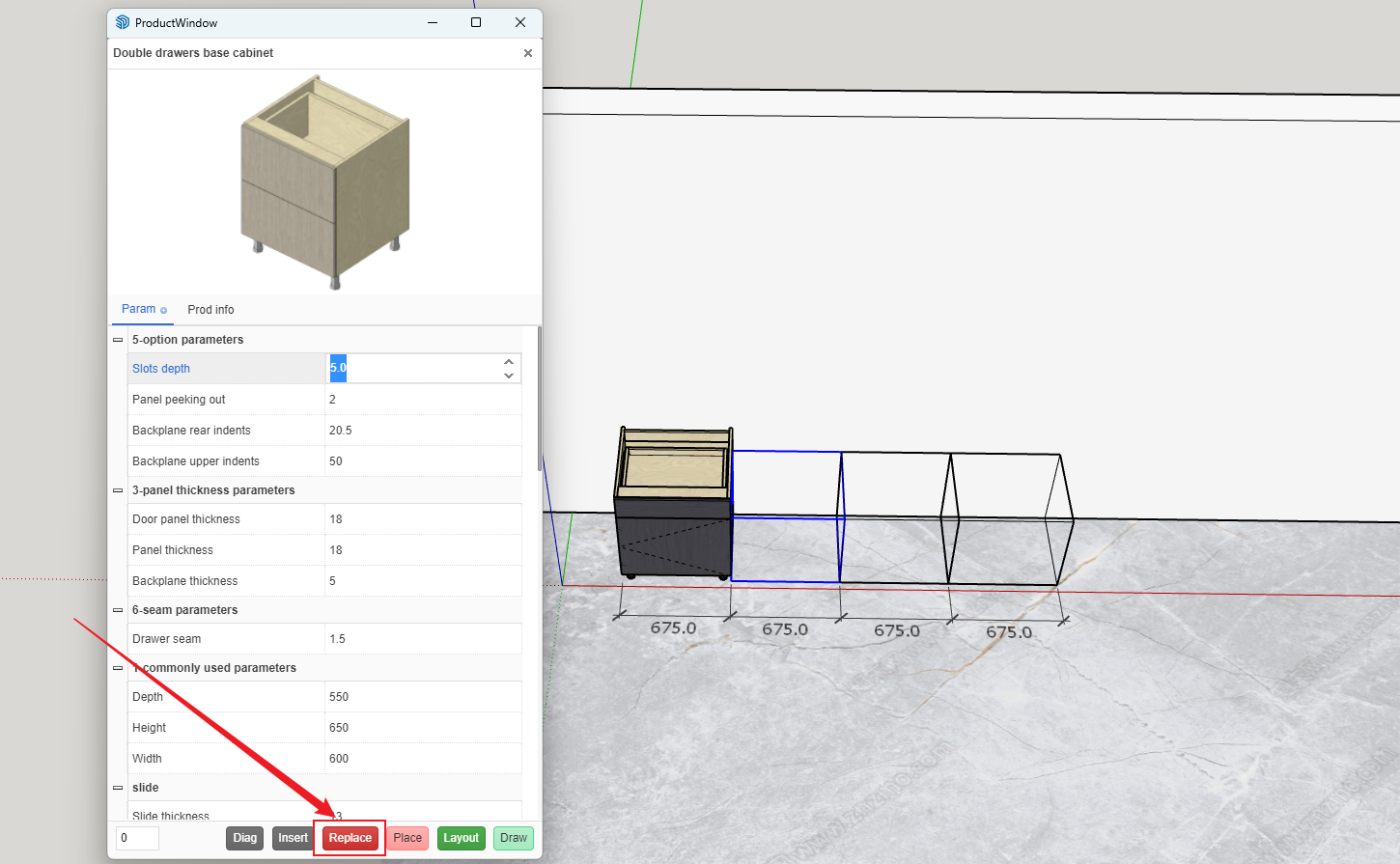
- Replace divided objects with cabinets Select the divided objects, open the Product Library, double-click any cabinet, and click Replace [More space division features are under development, stay tuned]