Introduction
The Zhumu Furniture Design System supports using copy commands for specific panels or components when creating parametric cabinets. For example, creating multiple shelves can be achieved with just one copy command. The shelves in the rounded corner cabinet shown below are implemented through array copying.
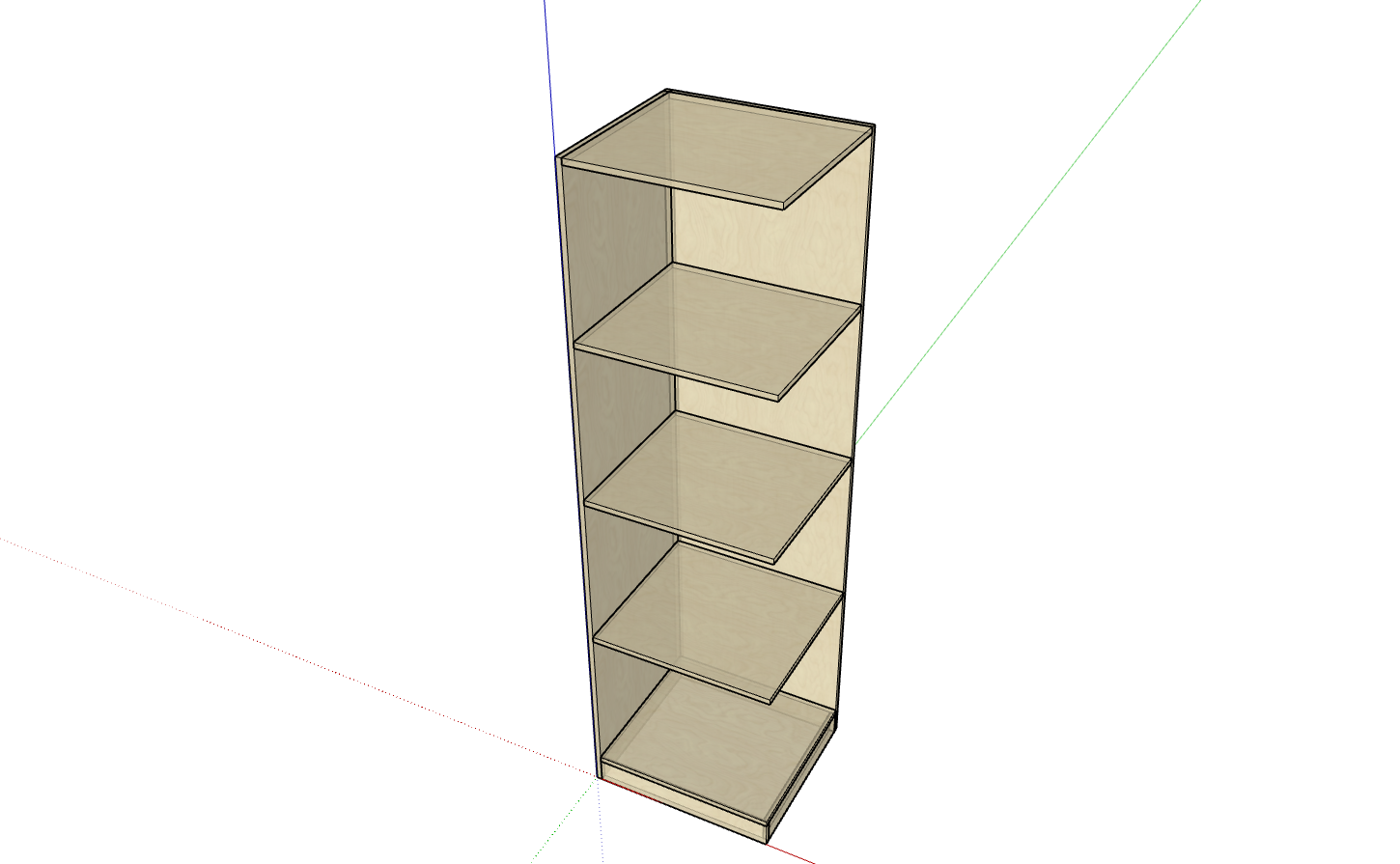
- Open Cabinet Management and create a new cabinet. Complete the main structure of the cabinet.
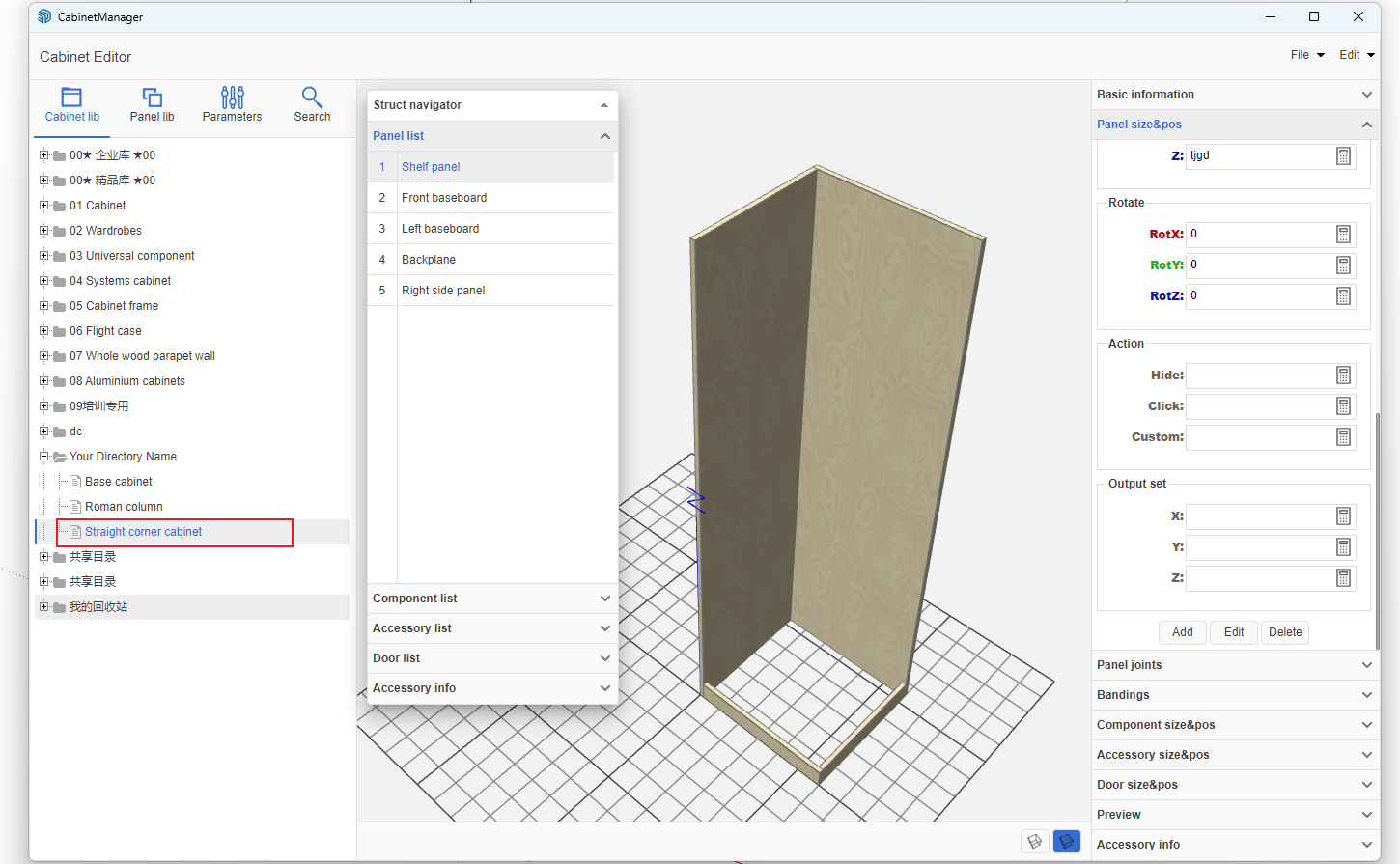
- The shelf in the above image needs to be copied. First, position and dimension the first panel correctly.
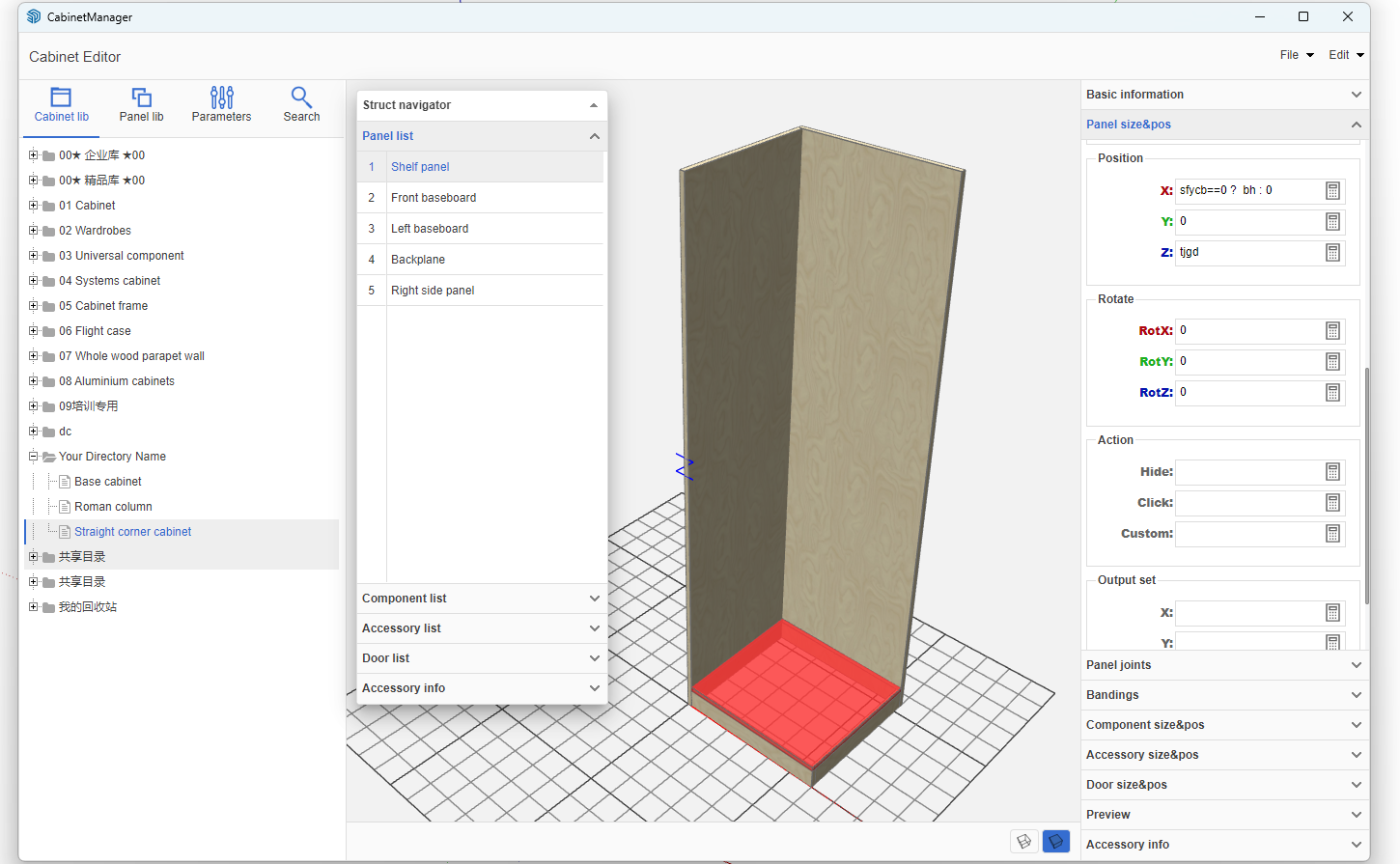
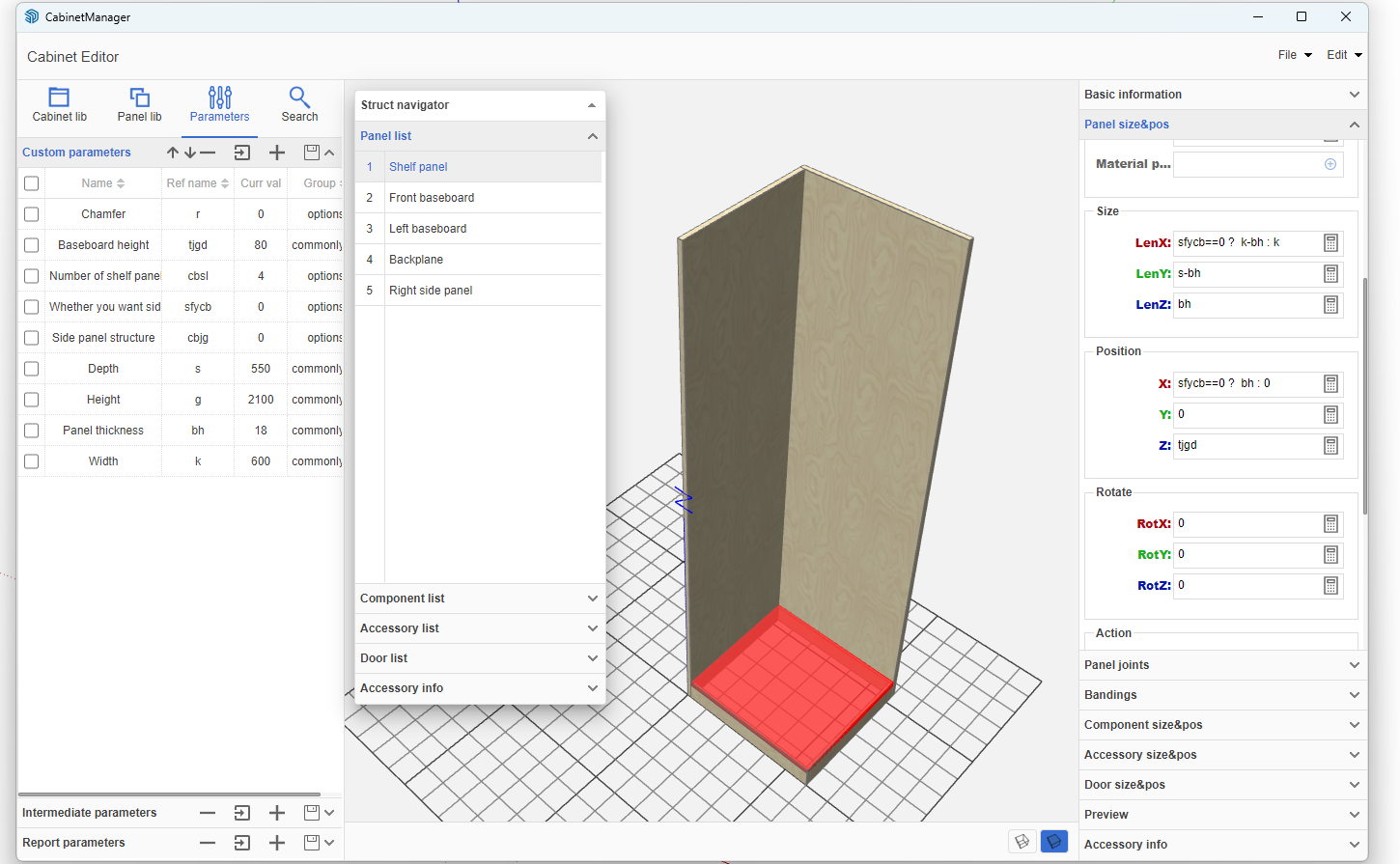
- Since the number of shelves in our parametric cabinet can be controlled by the user, first add a parameter for the shelf quantity. Add other parameters as needed.
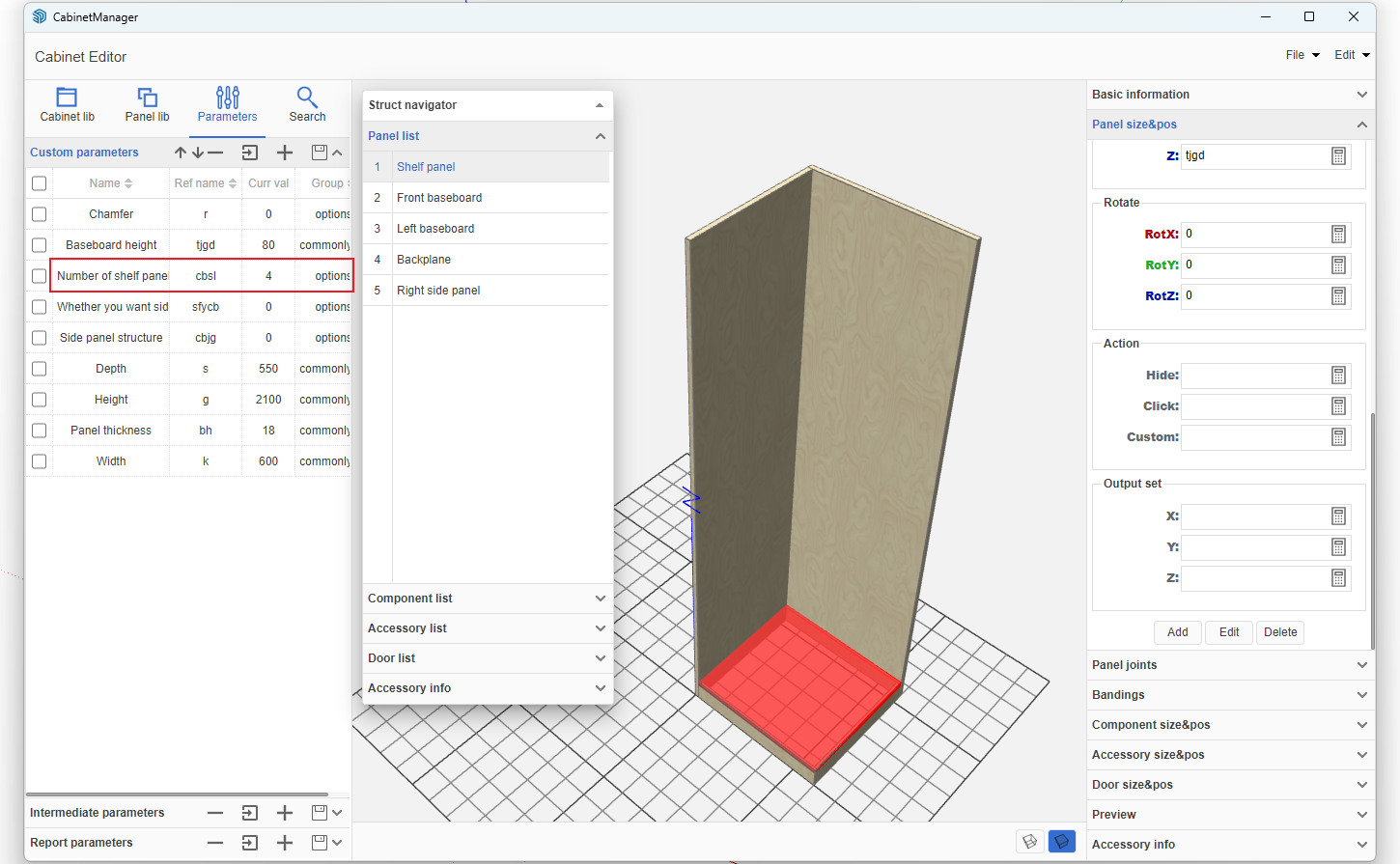
- In the panel list, select this shelf. In the Custom field under Behavior, enter the formula:
CP([0,0,1],(g-tjgd-bh)/cbsl, cbsl)
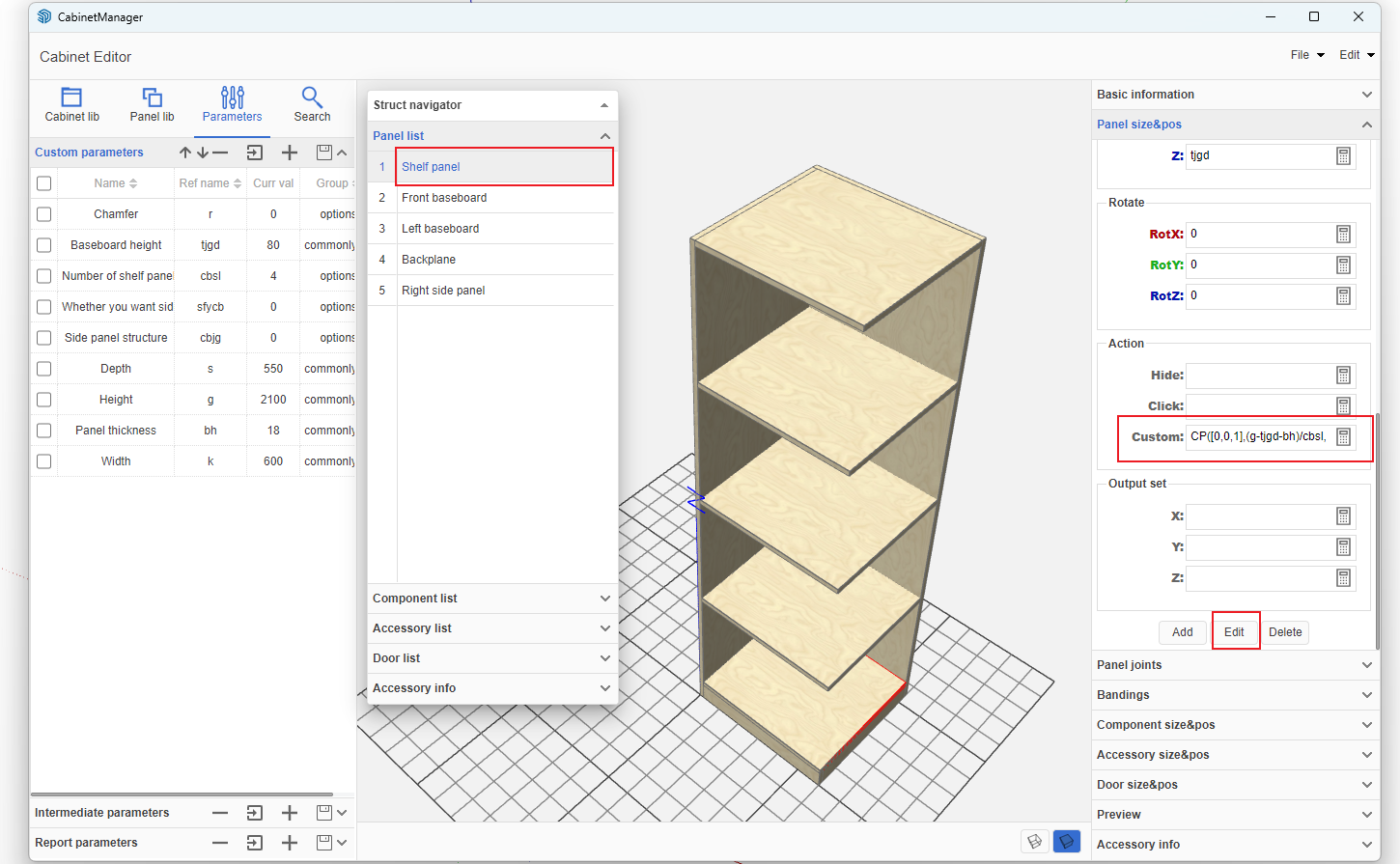
- Formula Explanation: CP(copy axis, spacing, copy quantity)
CP is the copy command, followed by three parameters. The axis is an array-type parameter, for example: X-axis is [1,0,0], Y-axis is [0,1,0], Z-axis is [0,0,1]. These three axes are commonly used. Spacing is calculated based on the total dimension and quantity to determine the distance between each panel. Quantity is the variable input by the user.
- After entering the above formula, click Modify to see the effect.

