Introduction
The Zhumu Furniture Design System supports automatic order number generation. To prevent duplicate order numbers, it's necessary to set a unique prefix for each company's order number, such as the company name abbreviation (capitalized first letters of pinyin). This enables automatic generation. The detailed steps are as follows.
Steps
-
Log in to the Zhumu website [Note: Official website addresses vary depending on Zhumu version]
- Zhumu ArchiWood Official: http://ArchiWood.cn
- Floefurni Official: http://hk.ArchiWood.cn
- 32mm System Version: http://zhumu.pro
- Stainless Steel Version: http://zhumu.pro
- Wu's Hidden Connector Version: http://yxj.zhumu.pro
- Wanhua Guo'an Version: http://dmh.zhumu.pro
- Qiren Manufacturing Version (Hidden Quick Assembly): http://qrzz.zhumu.pro
- Lamello Special Edition: http://lmn.zhumu.pro
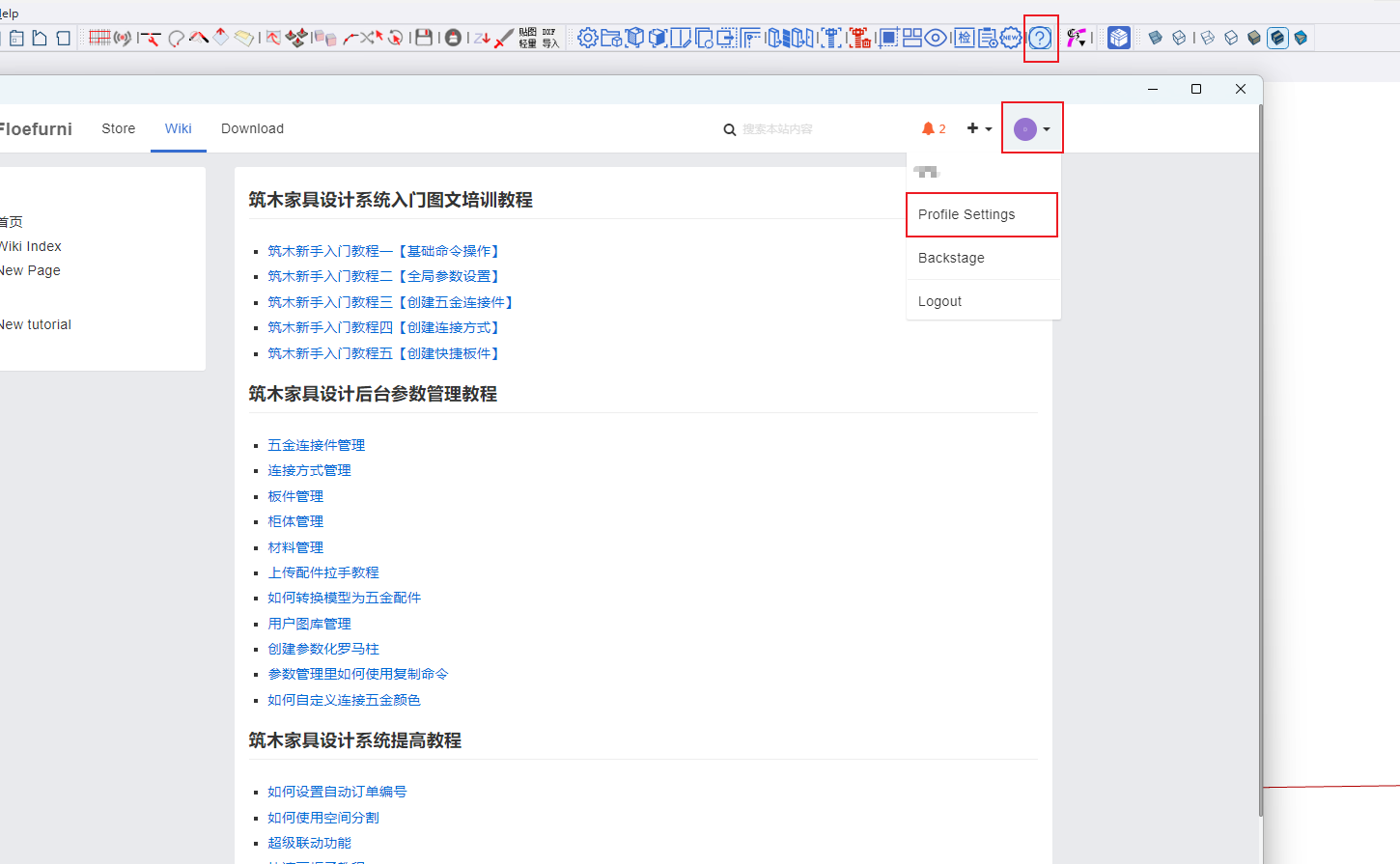
After logging in to the website, click on Personal Profile Settings
In the personal profile, set the abbreviation in the Company field [It doesn't have to be pinyin; it can also be numbers. Recommended to use company pinyin abbreviation, 1-2 characters]

After making changes, click the Update Profile button at the bottom.
Open the Zhumu software, and when creating orders, the order number will be automatically generated.

