Introduction
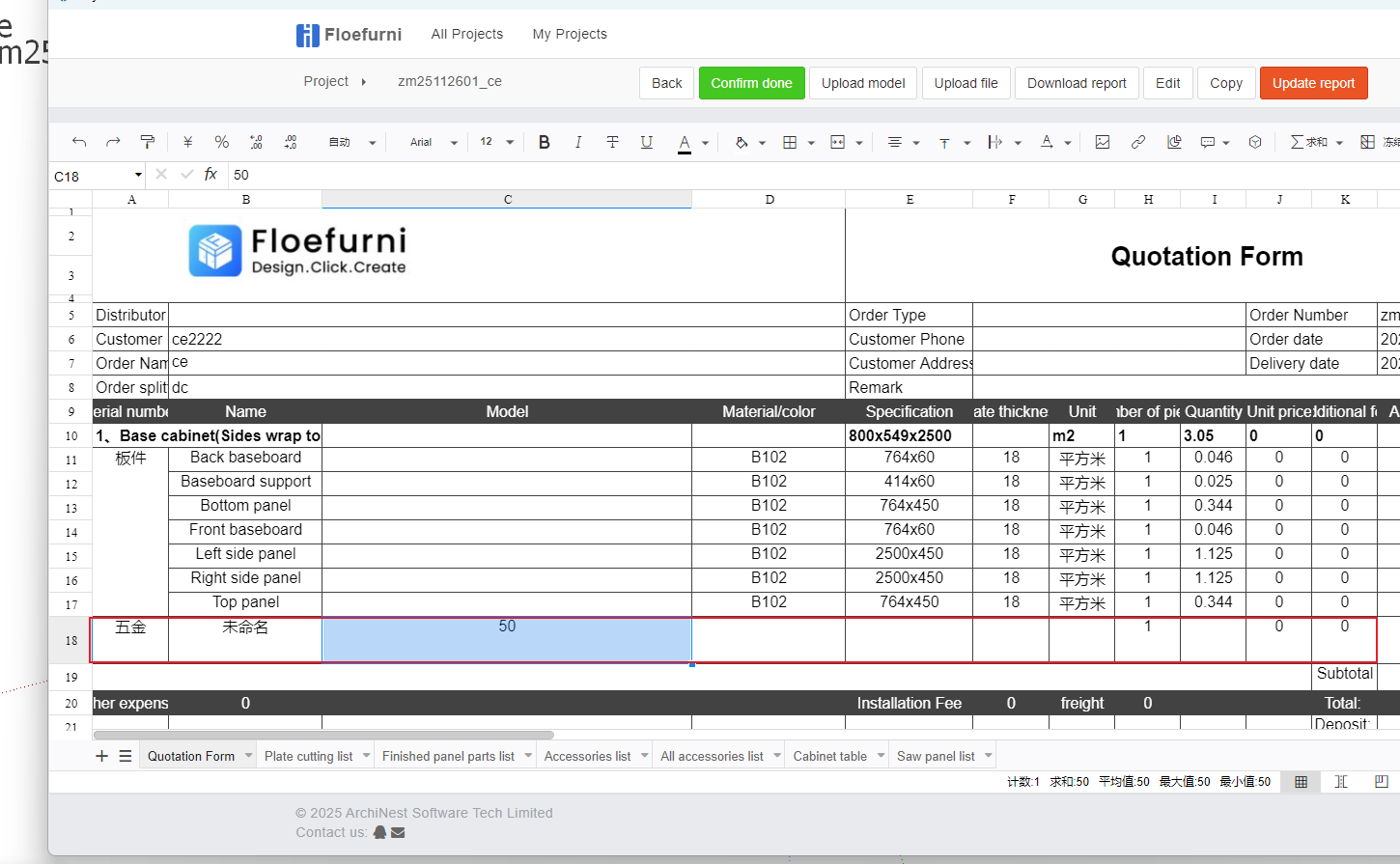
During our design process, when a certain accessory is only used once, we generally don't need to upload this model to the backend accessory library for future use. Instead, we can directly convert this model, set its accessory information, and have it included in reports.
Conversion Process
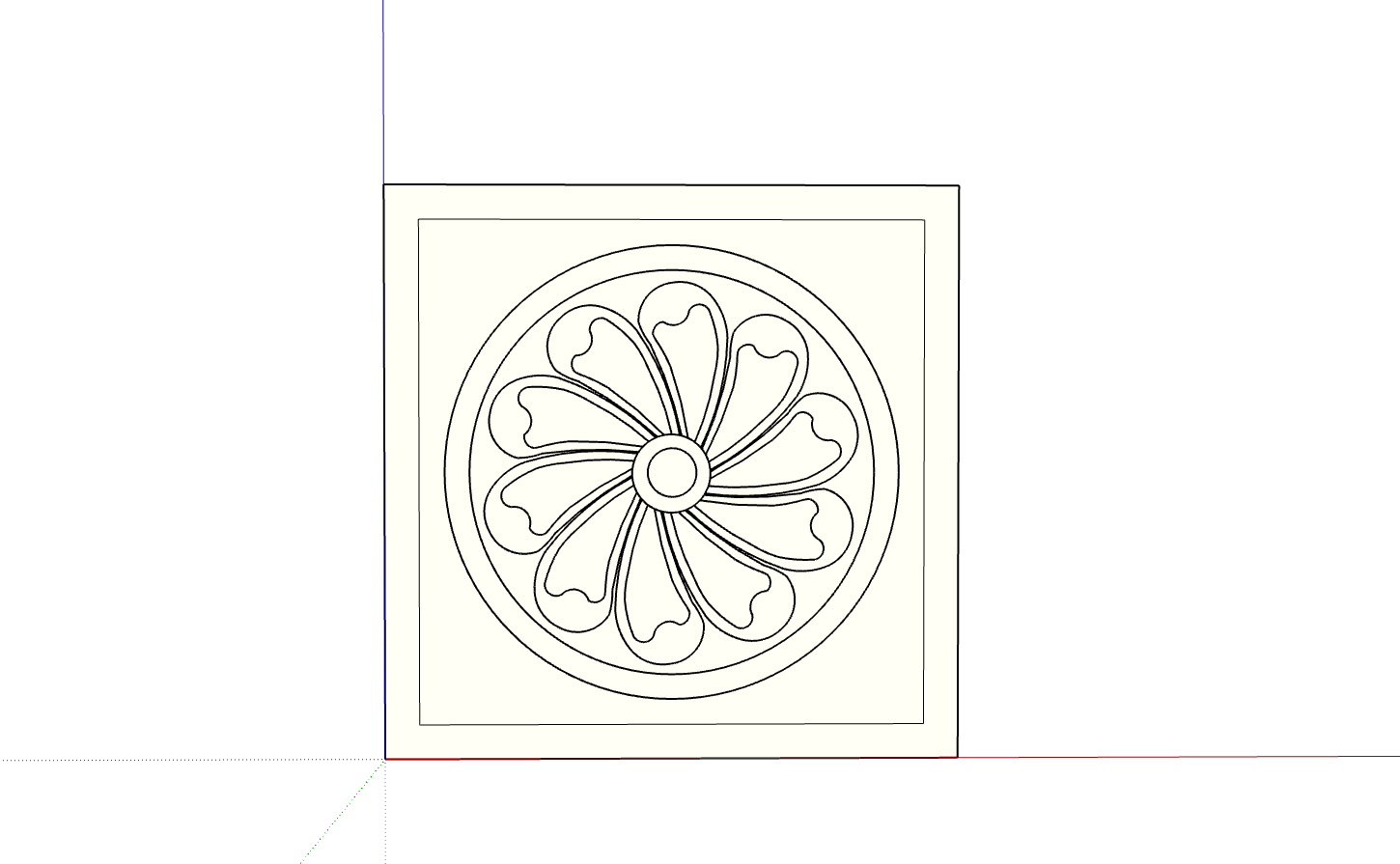
- Create the accessory model [The accessory model can be any component model created in SketchUp]
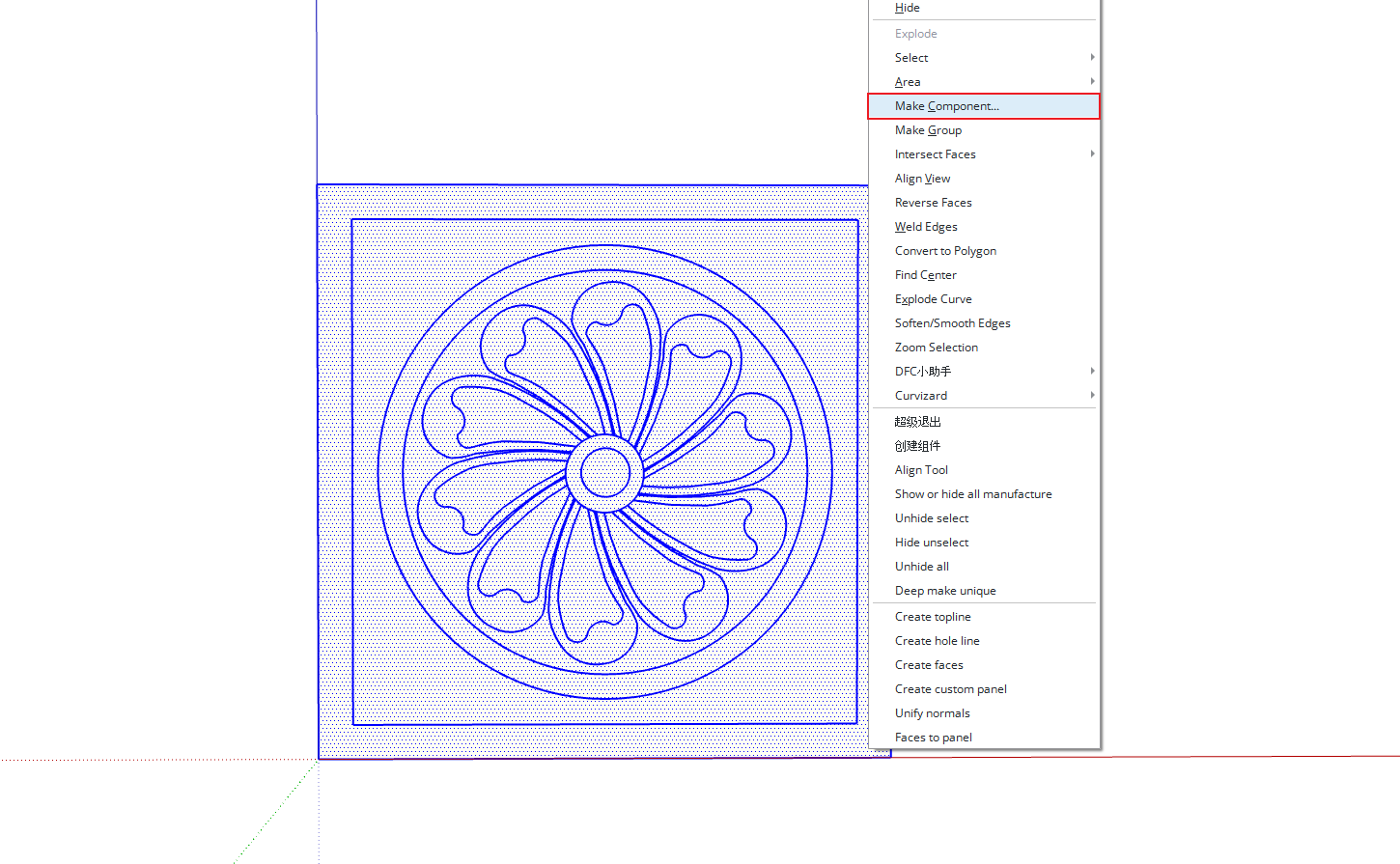
- Right-click and select [Convert to Hardware Accessory] from the menu
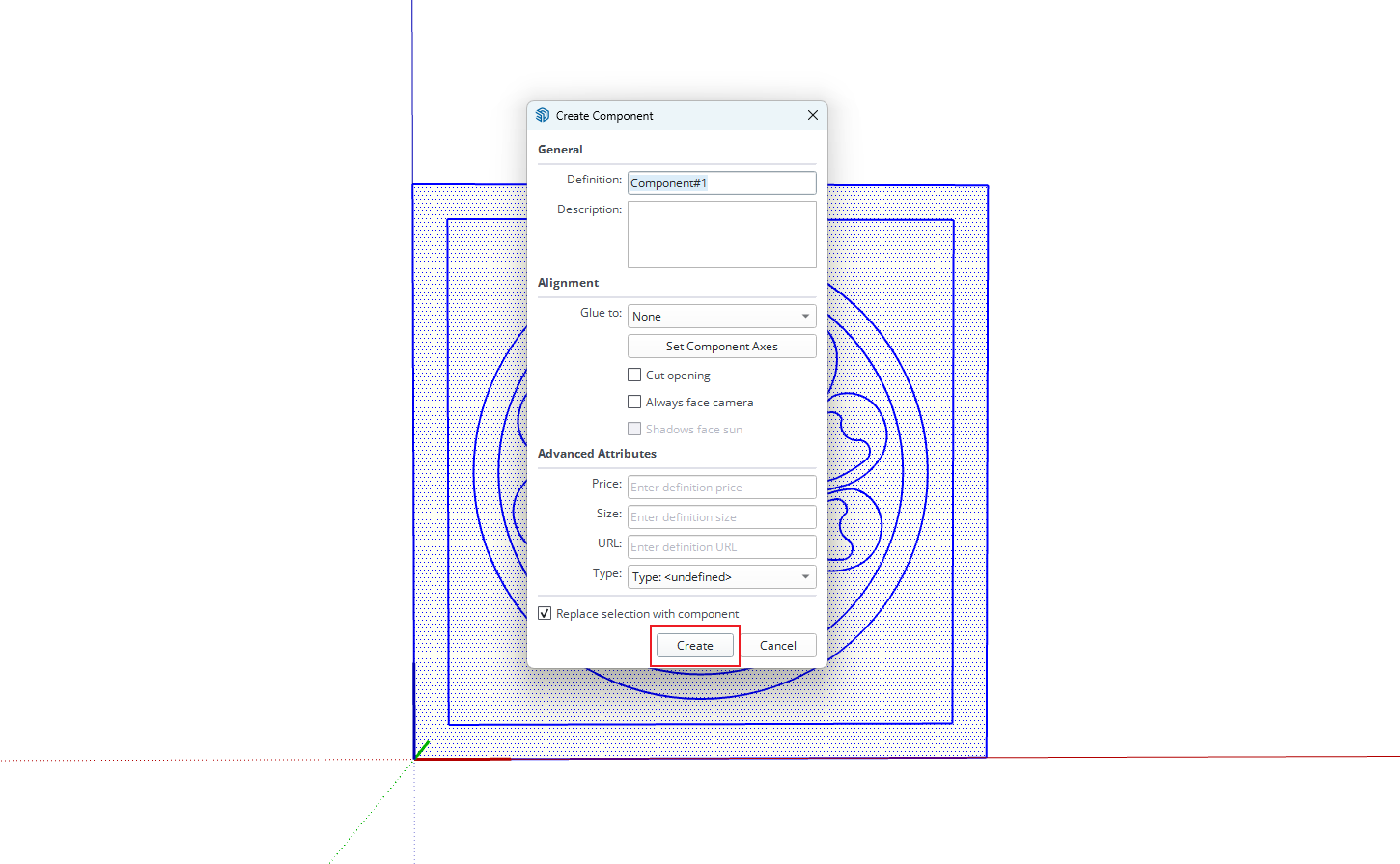
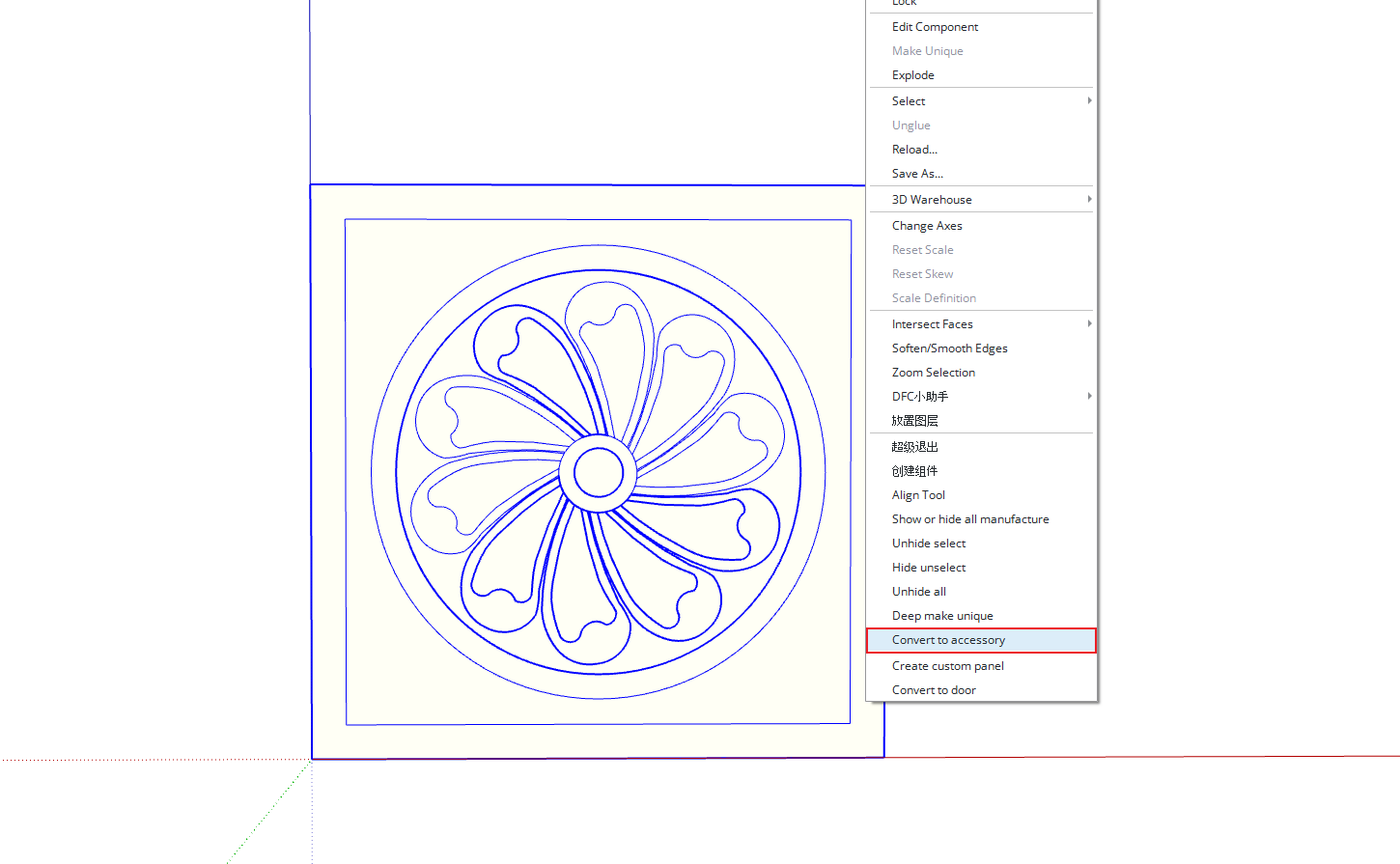
- After clicking convert, the parameter editor will automatically open. Click the Production tab and modify the relevant information. After making changes, click Apply
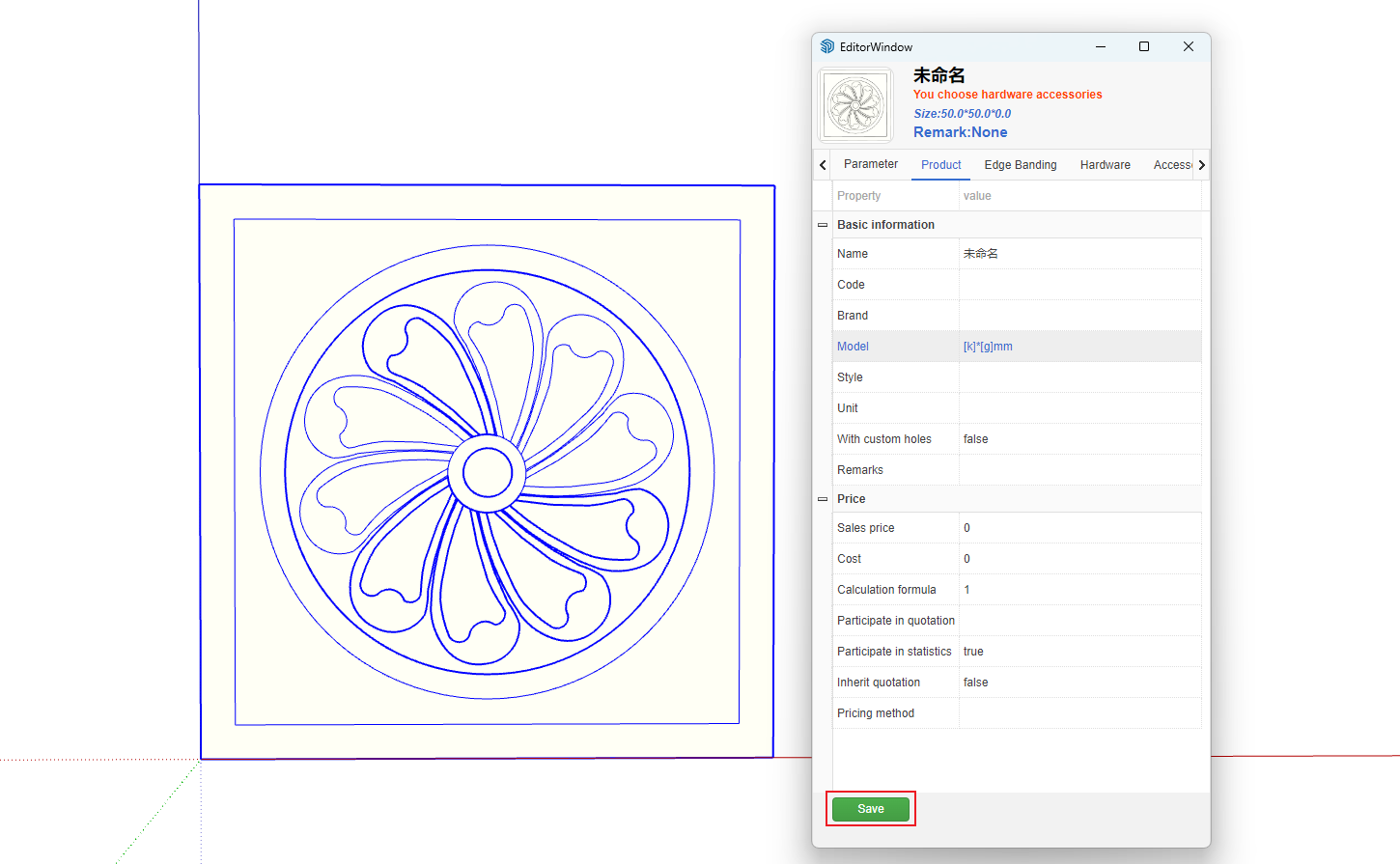
- The model is now a hardware accessory. You can copy and paste it into any cabinet, and it will be automatically included in reports.