Introduction
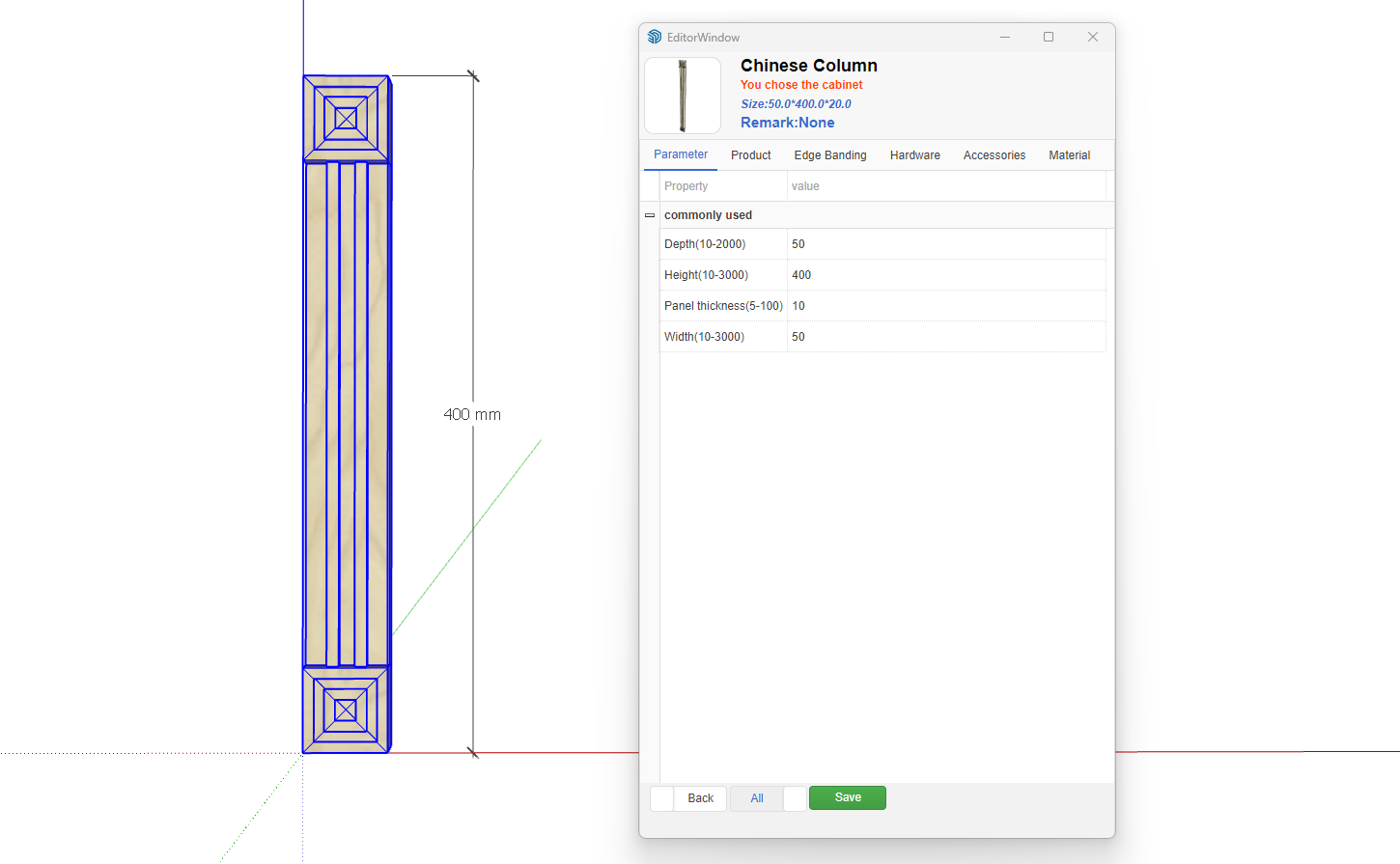
The Zhumu Furniture Design System supports creating parametric models of any shape, such as uniquely shaped Roman columns. Typically, Roman columns can adapt to different heights while maintaining a fixed width. Essentially, whether it's Roman columns or other parametric models, they are composed of panels, accessory models, etc. For authentic Roman columns, both the column capital and base feature unique shapes, which can be modeled in SketchUp and used as parametric accessories. The middle section is implemented using panels.
- Roman Column Breakdown
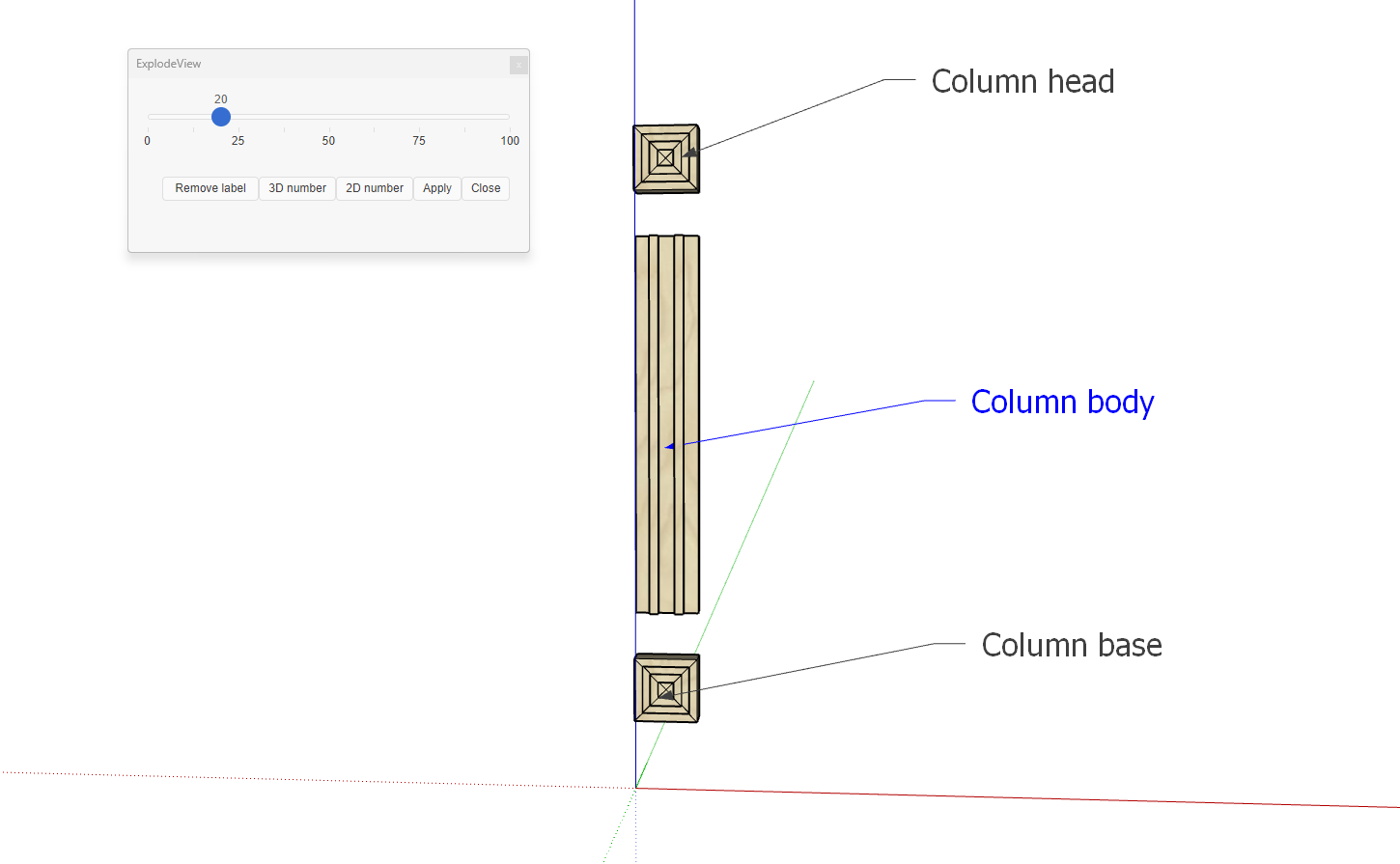
Based on the above breakdown, we only need to create one uniquely shaped column base. The column base and capital are the same - simply rotate the base 180 degrees to create the capital. Additionally, note that both the capital and base include part of the column shaft's shape. Since both ends of the column shaft have unique shapes, we need to ensure the column shaft is a panel (specially shaped panel) that can adjust its height.
First, create the column base model
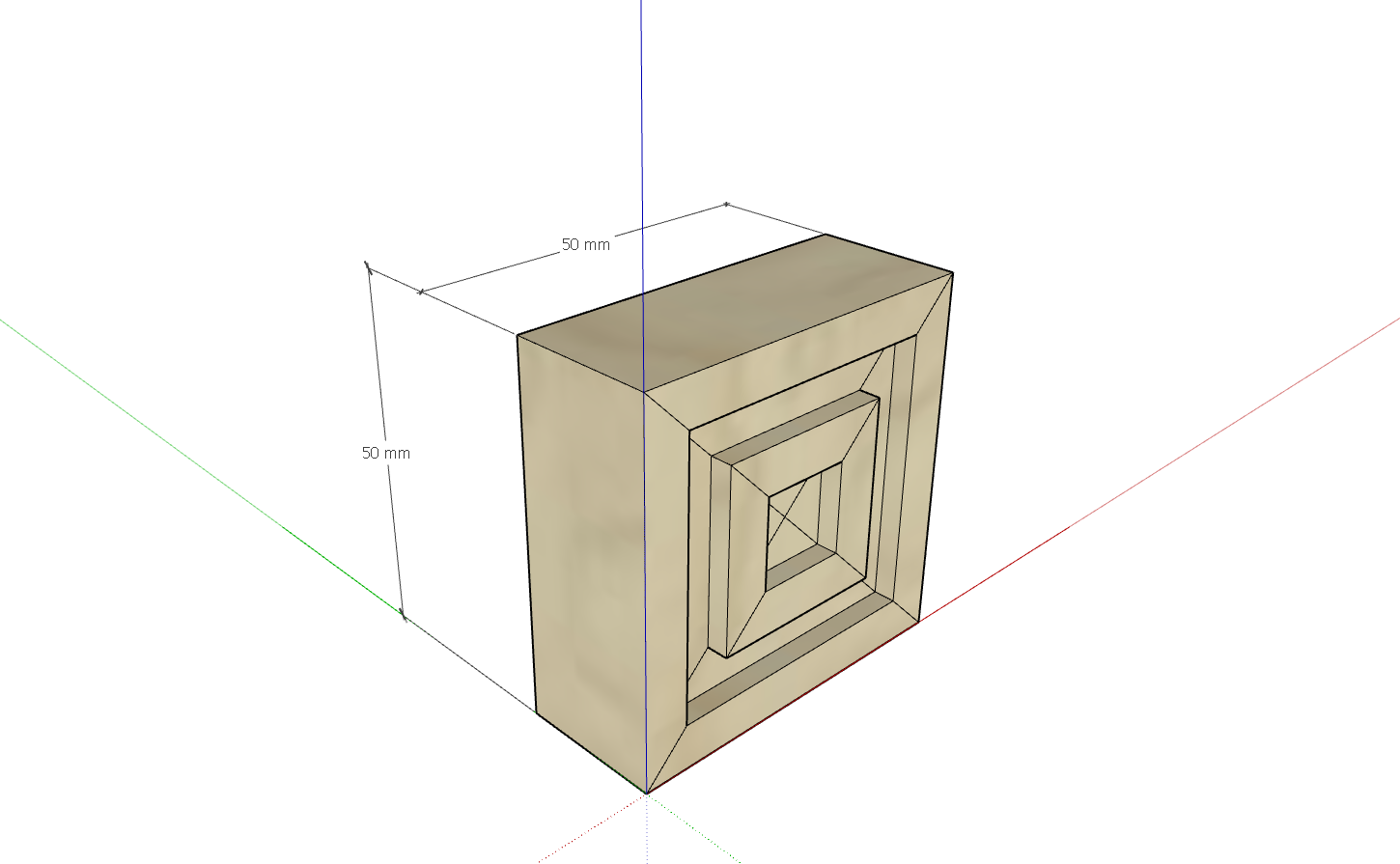
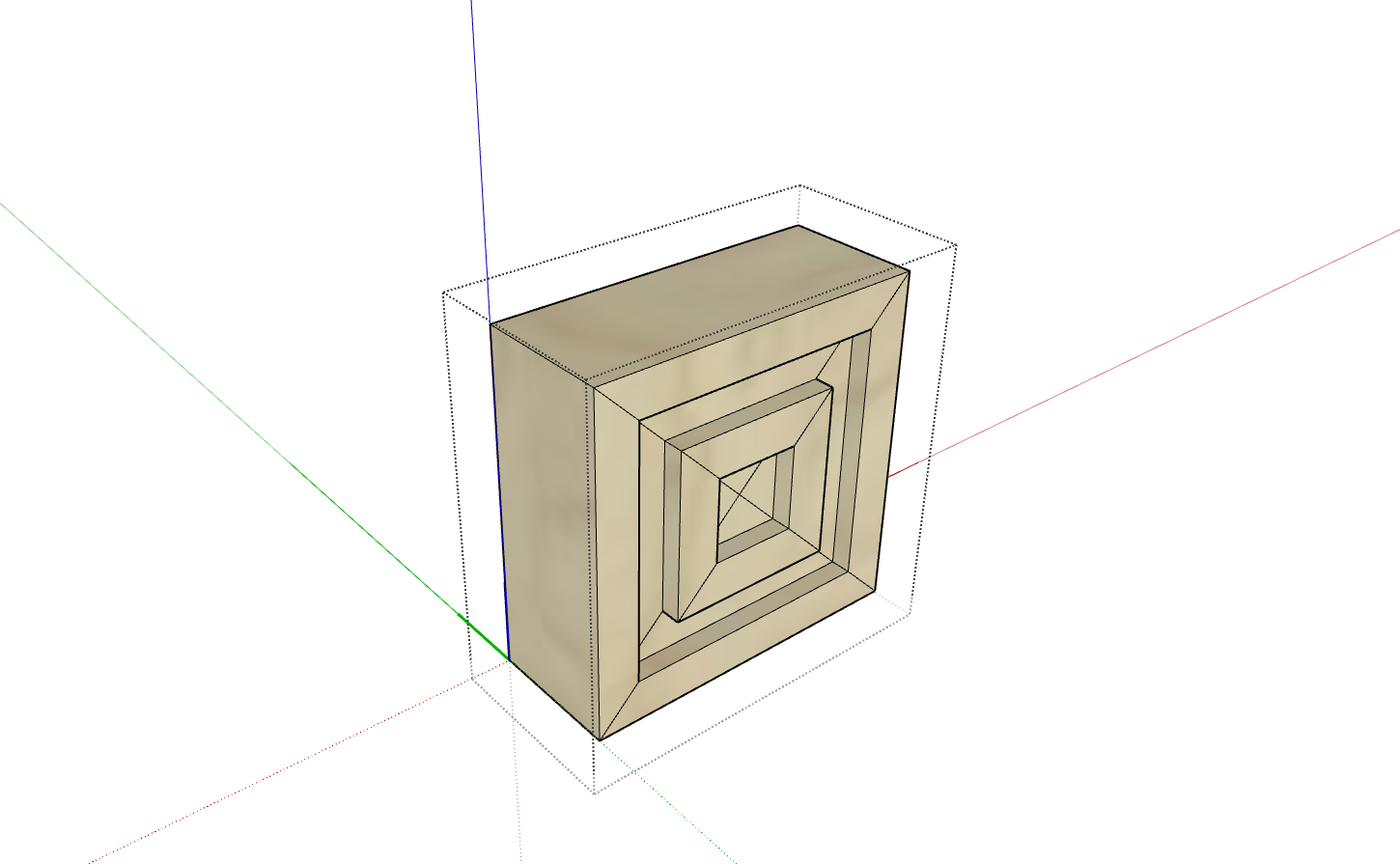
- Set the coordinate axis for the column base. Generally, the origin of the coordinate axis can be customized according to your needs, as long as it's easy to position when writing parameter formulas. As shown below, the coordinate origin is set at the bottom-left rear corner point (visible when double-clicked)
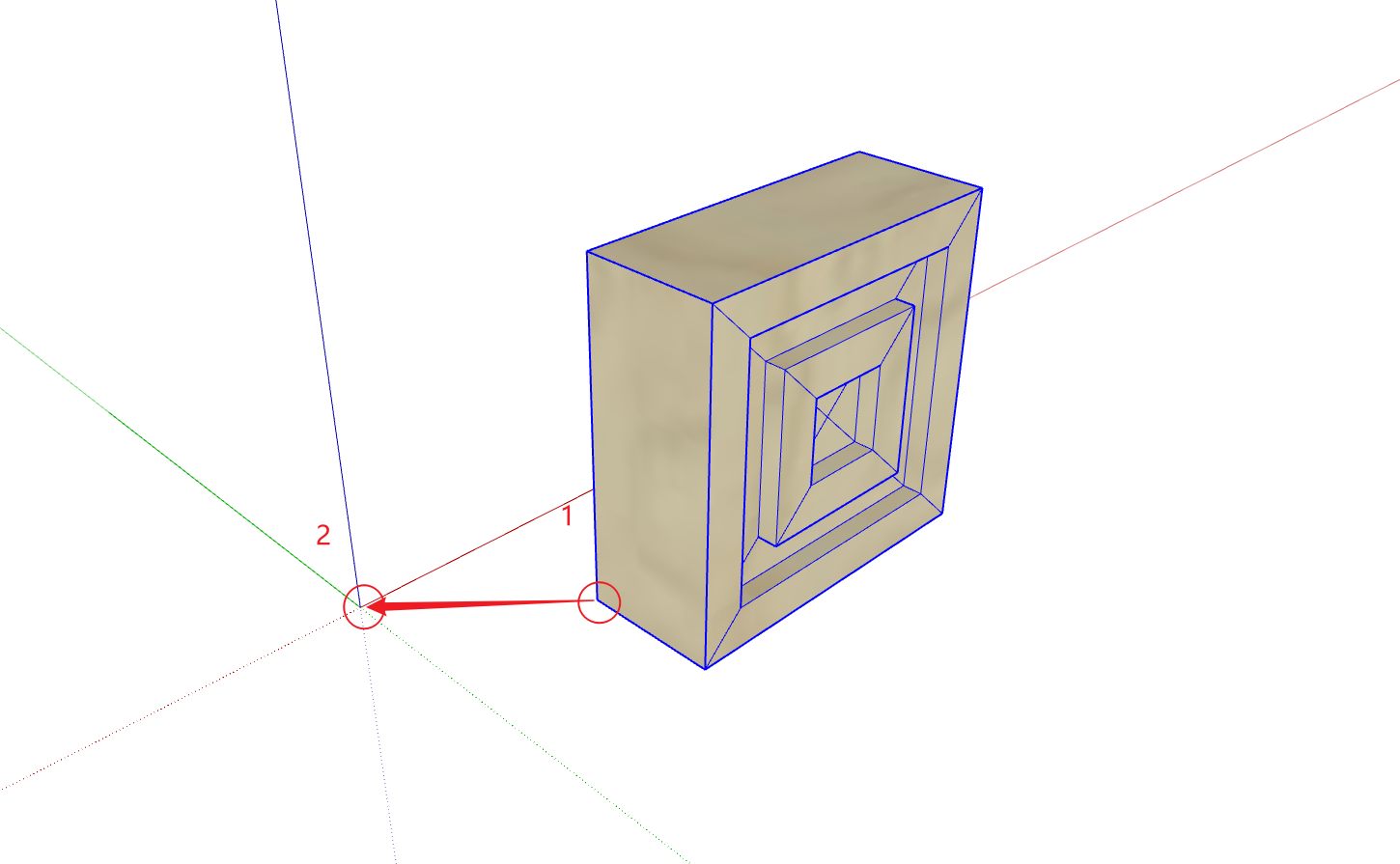
- Align the corner point of the column base model with the scene's coordinate origin. As shown below, move point 1 to coincide with point 2. If they're already aligned, no movement is needed
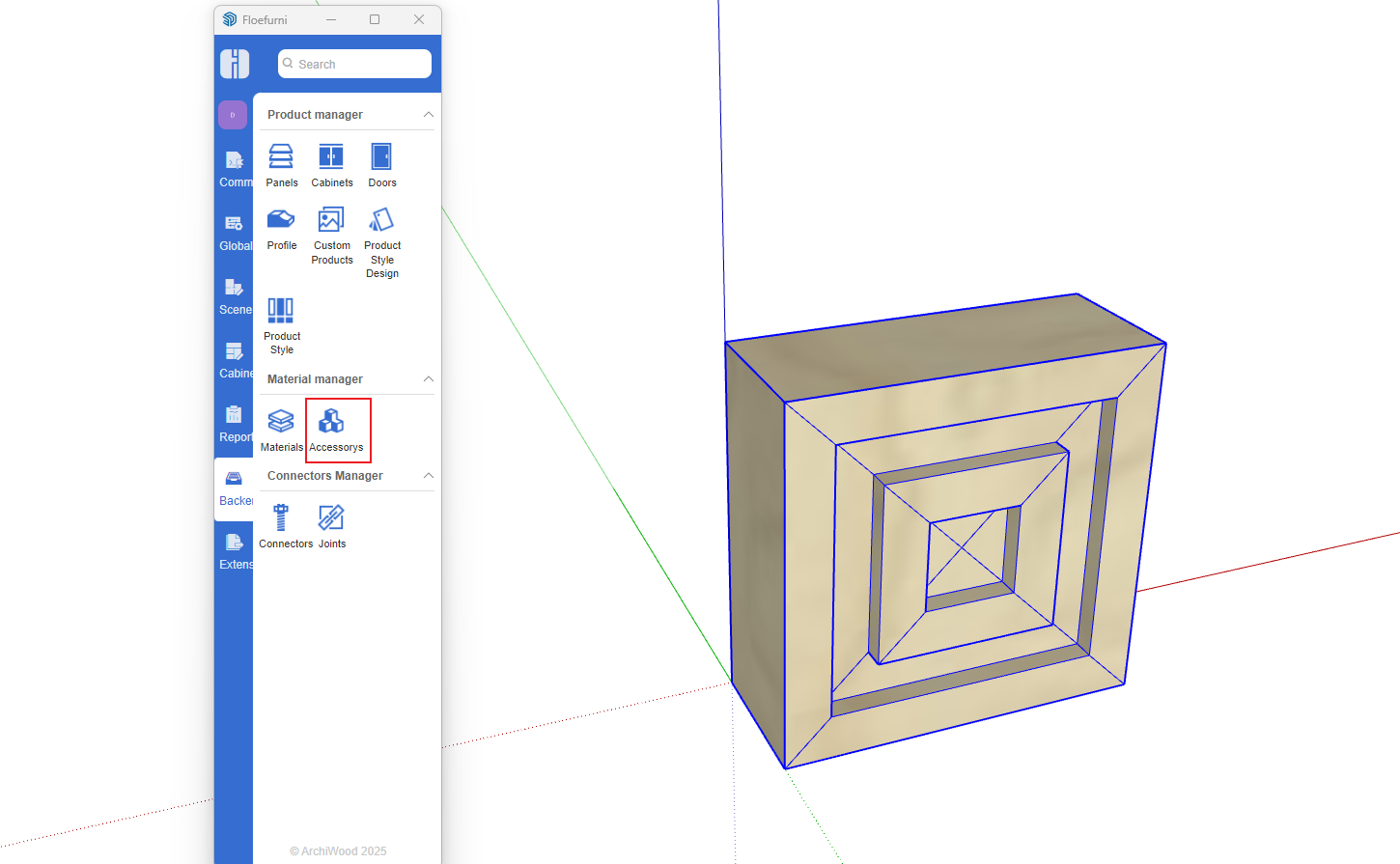
- Upload the model to the accessory model library. Select the column base model and open the Accessory Model Management
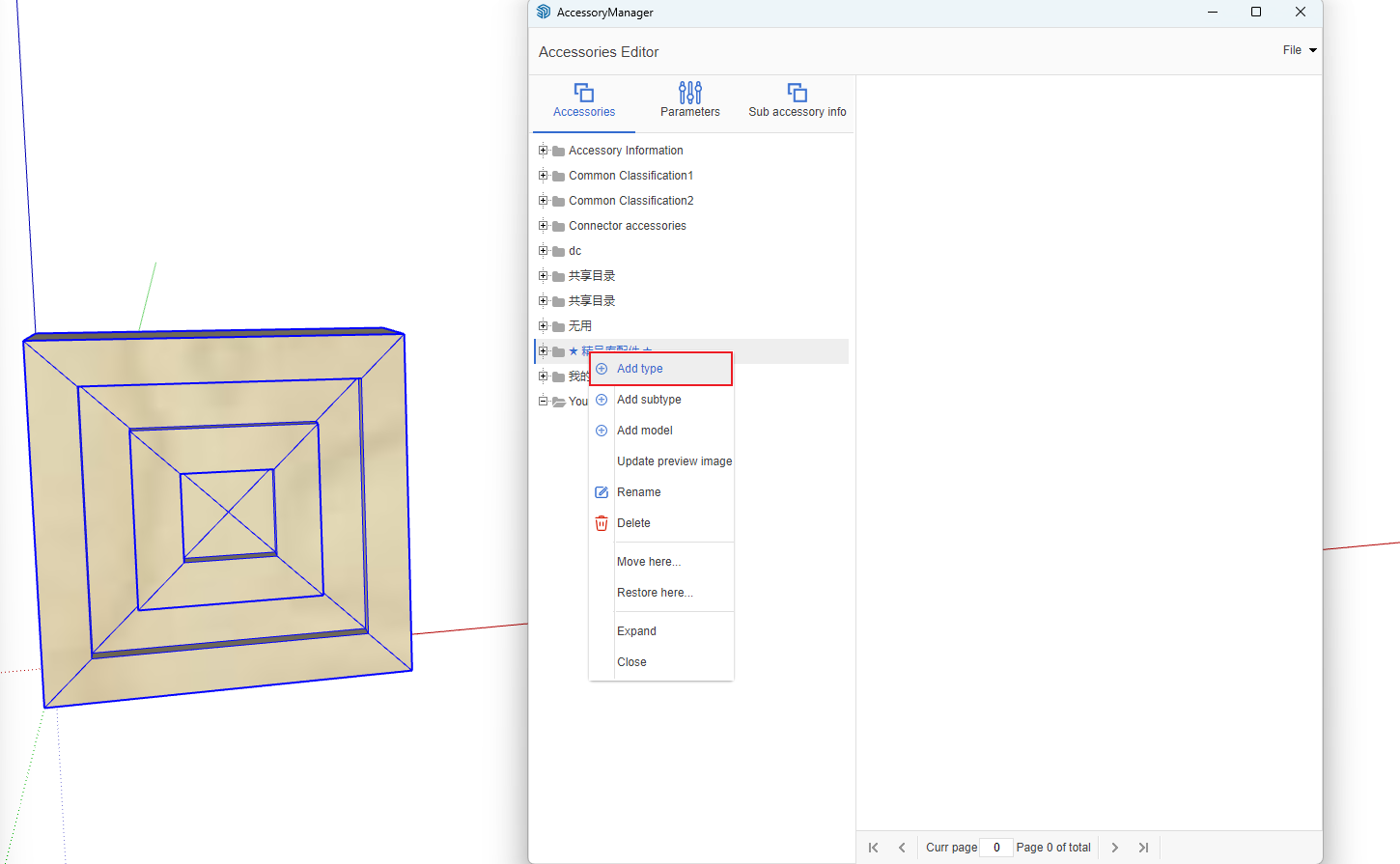
- Right-click under your directory and select "Upload Model"
- Set the model name and other information, then click Upload
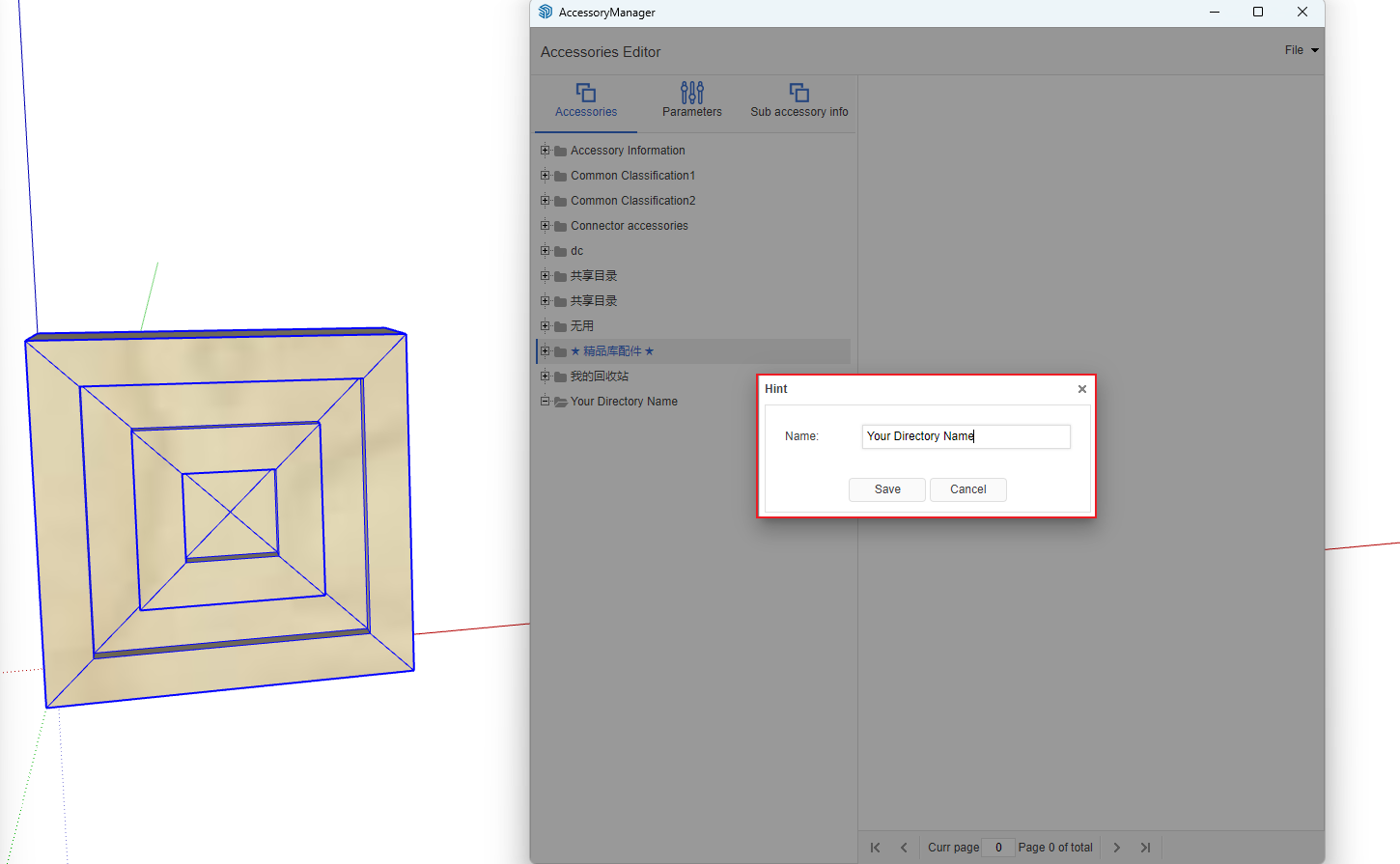
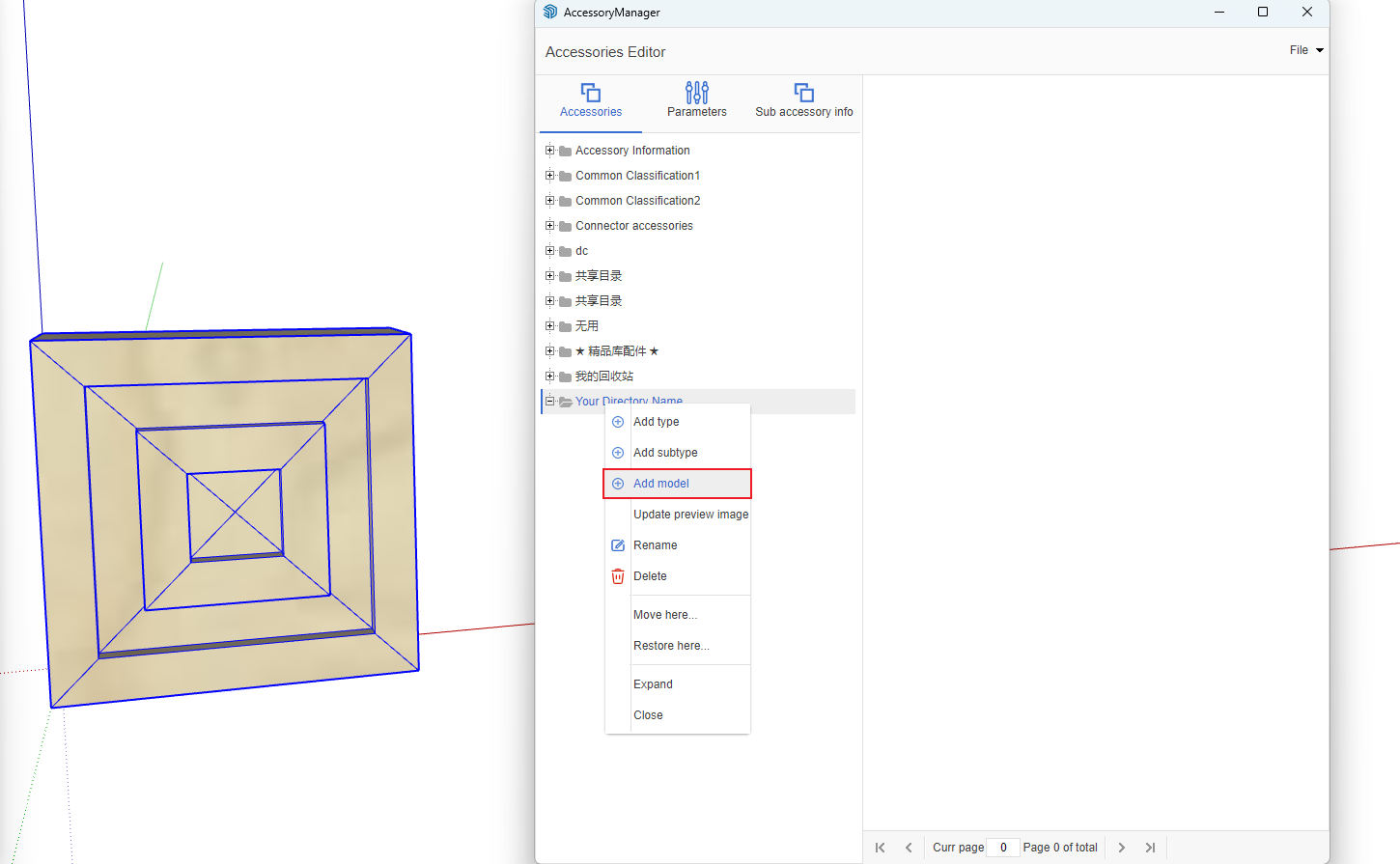
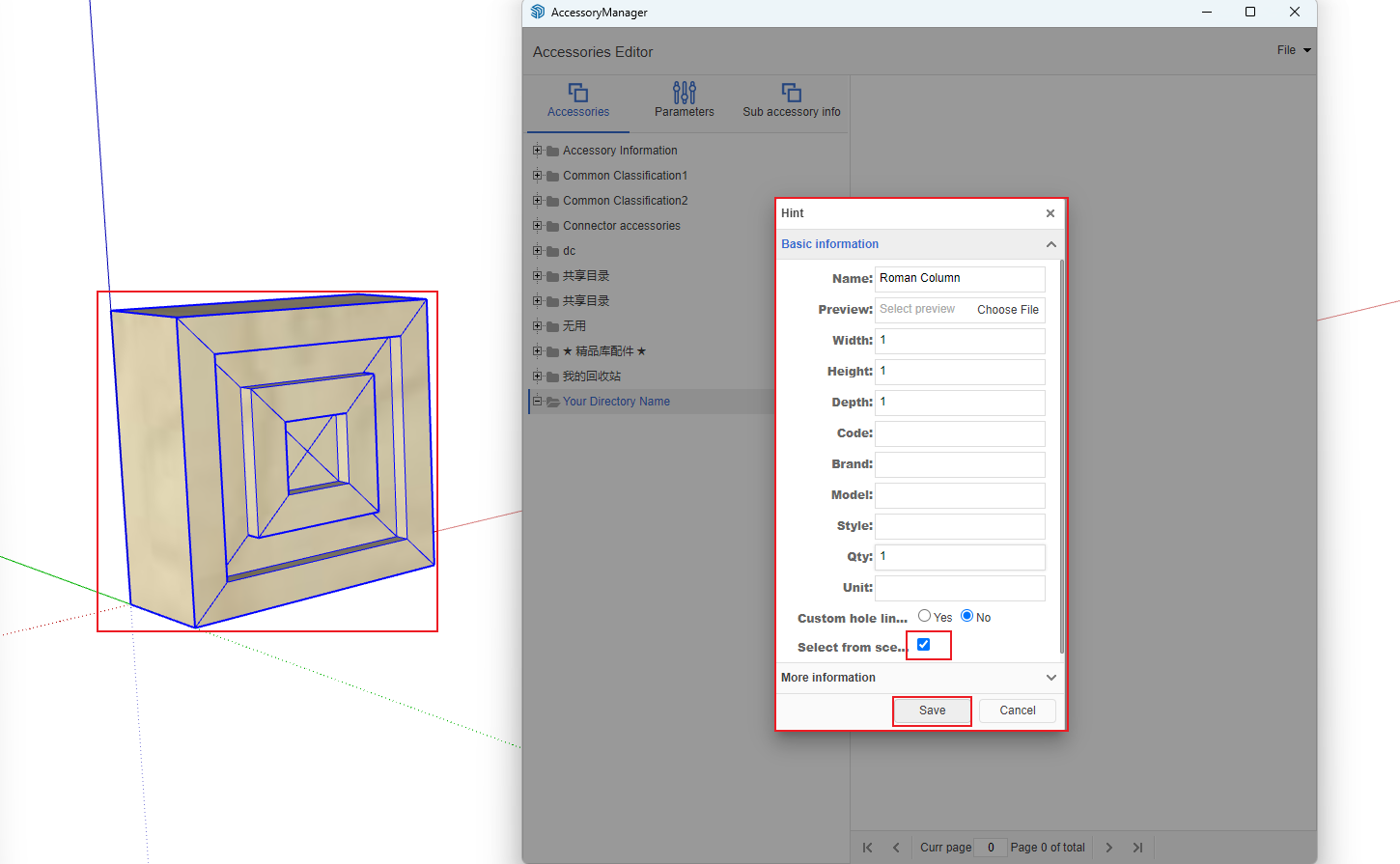
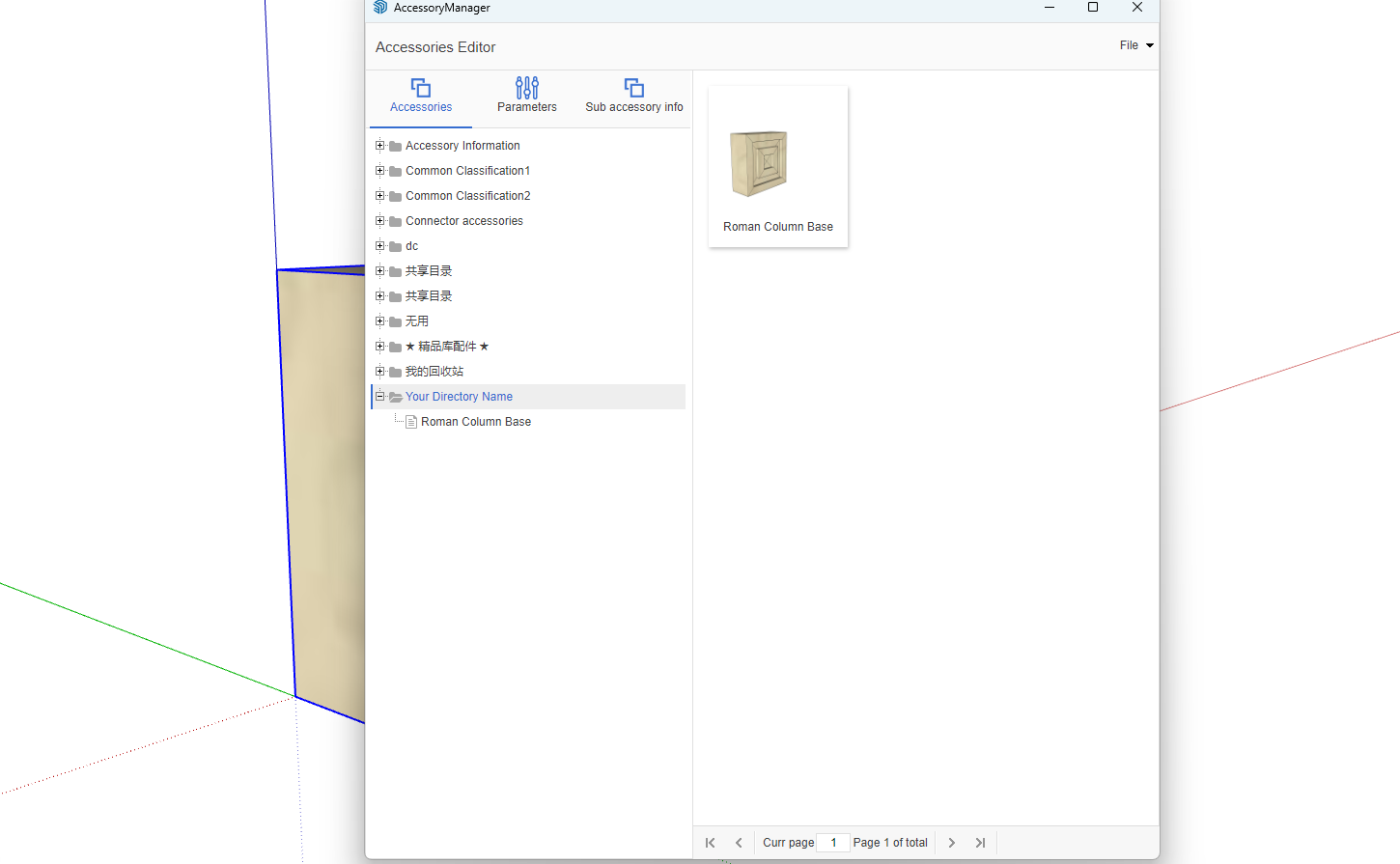
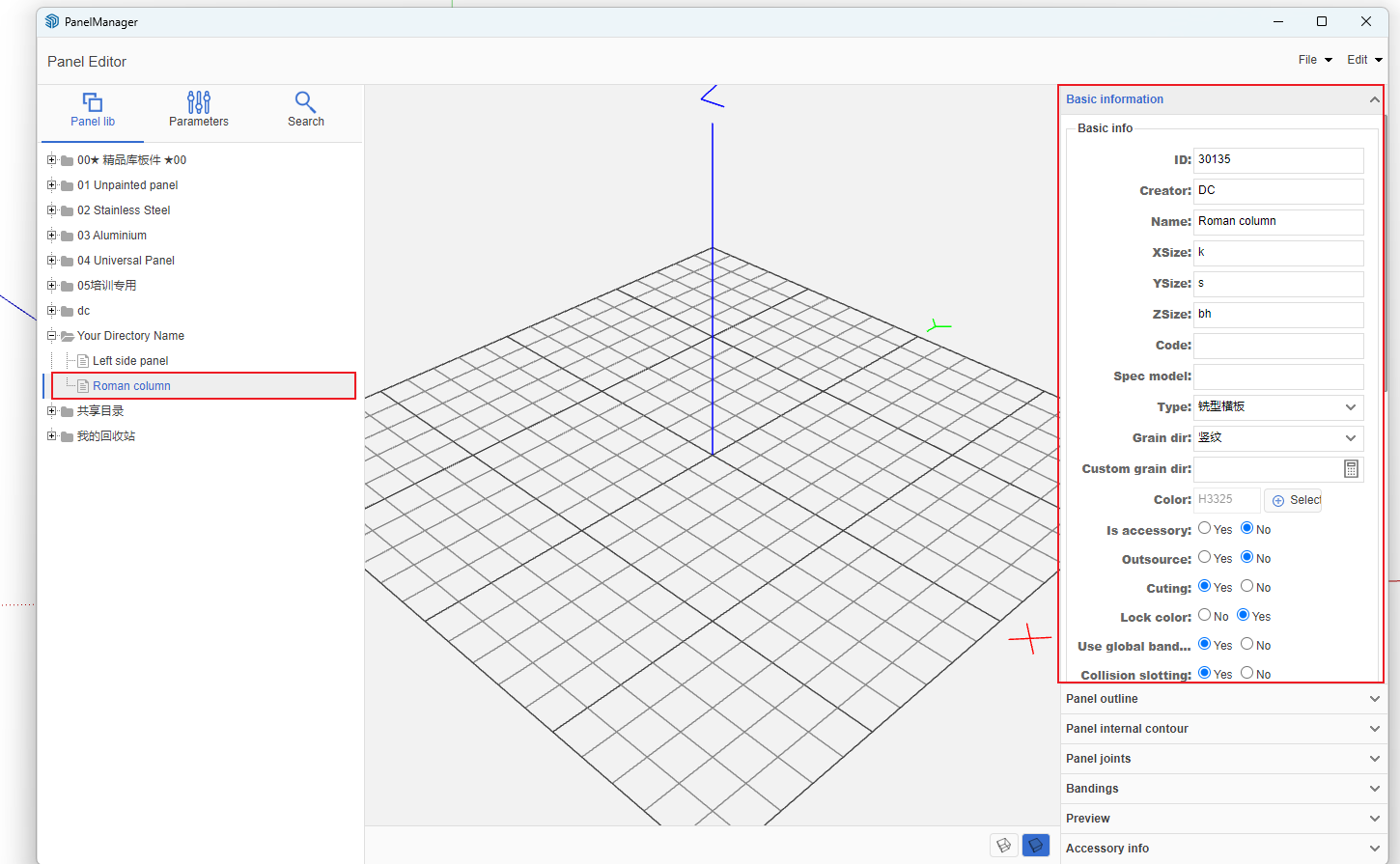
- Create a column shaft. Open Panel Management and create a panel of the "Milled Horizontal Panel" type under your directory. Set it to "No Cutting"
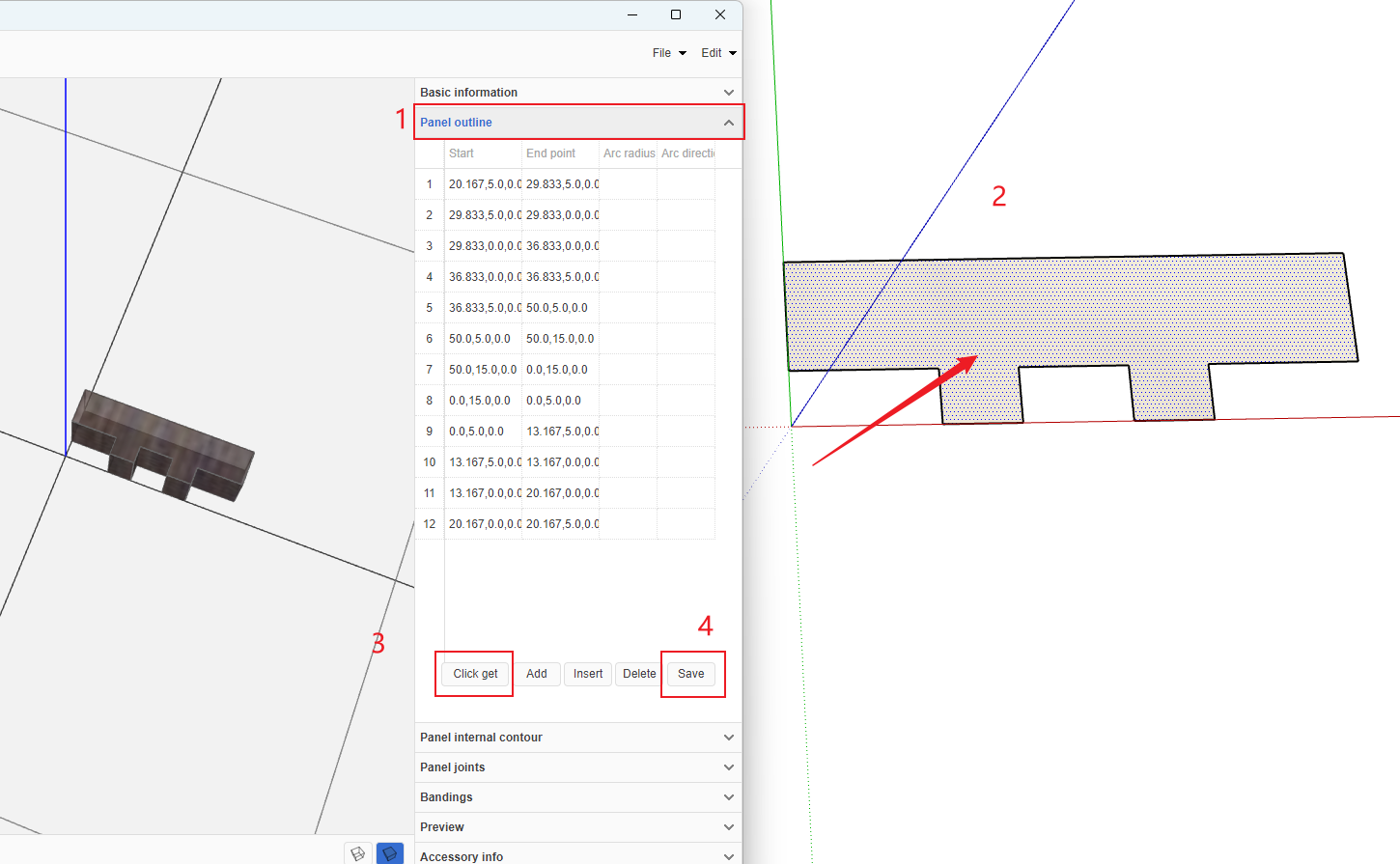
- In the SketchUp scene, draw a column shaft plane (uniquely shaped) and place it at the zero point. In the Panel Management under Production Information -> Panel Outline, click "Get" to capture the outline. After successful capture, click the Save button. The specially shaped panel is now created
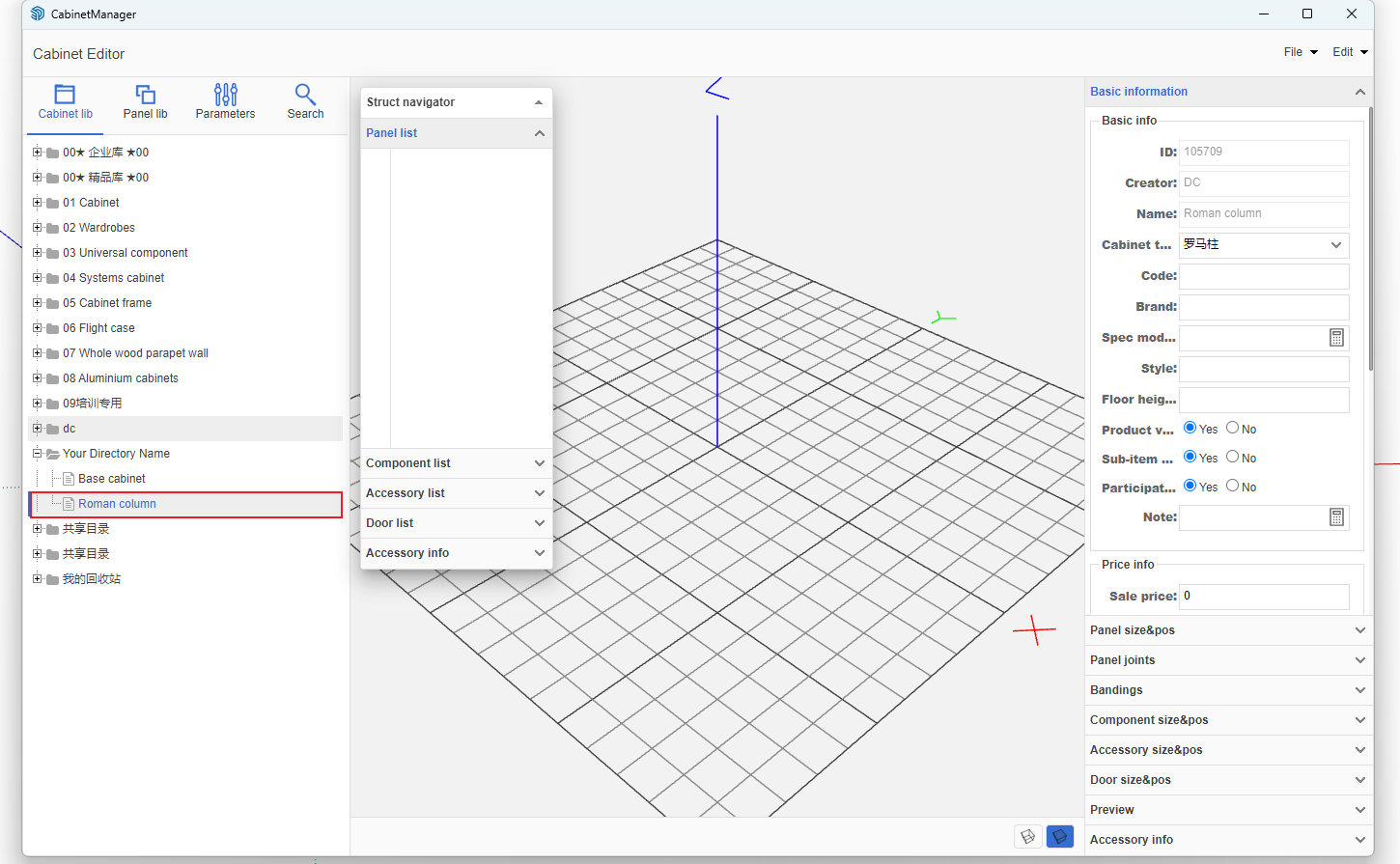
- Open Cabinet Management, create a new cabinet, and select "Roman Column" as the type. Roman columns won't be manufactured
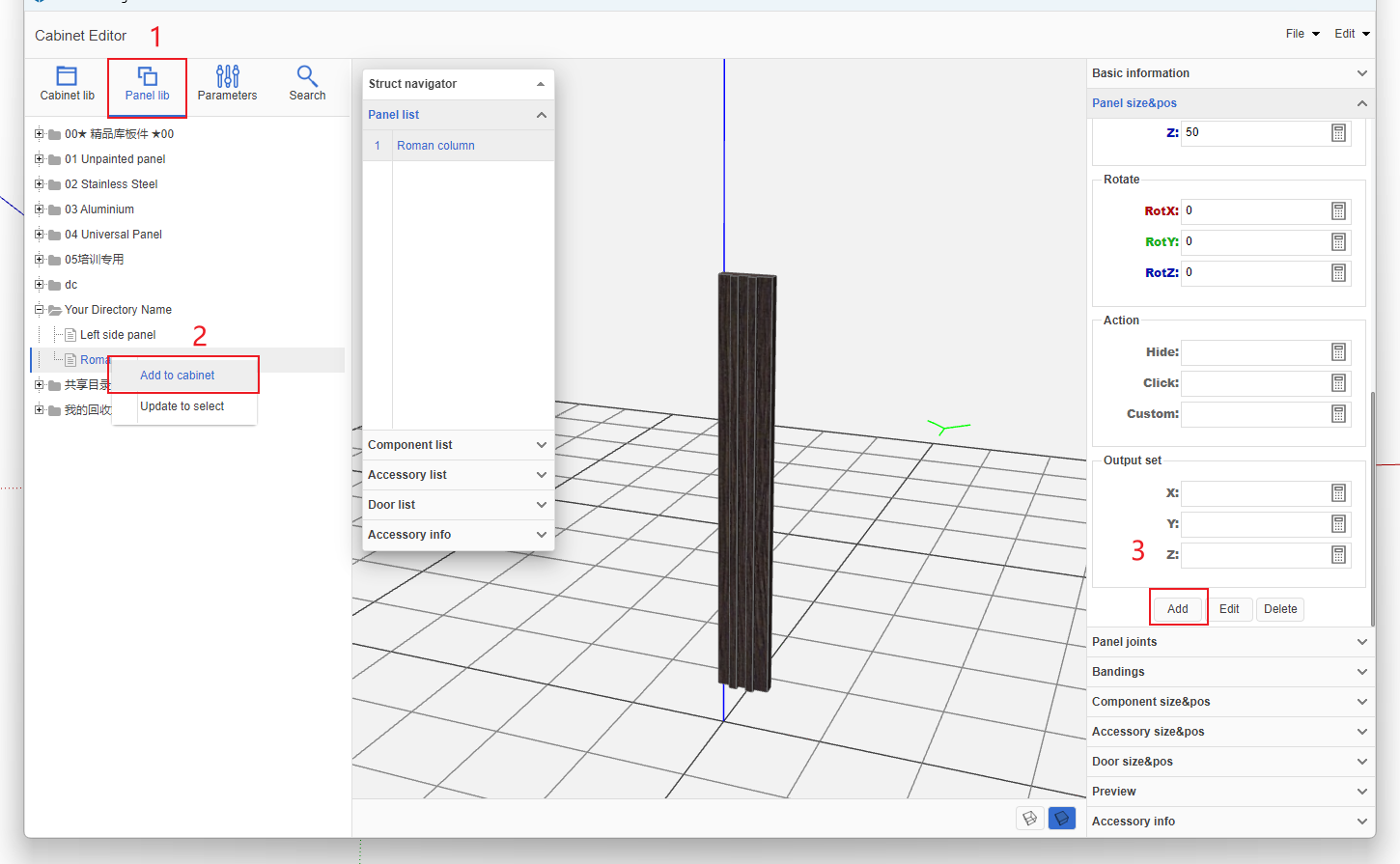
- Add the specially shaped panel you just created in the Panels section, and set dimensions and position information as needed
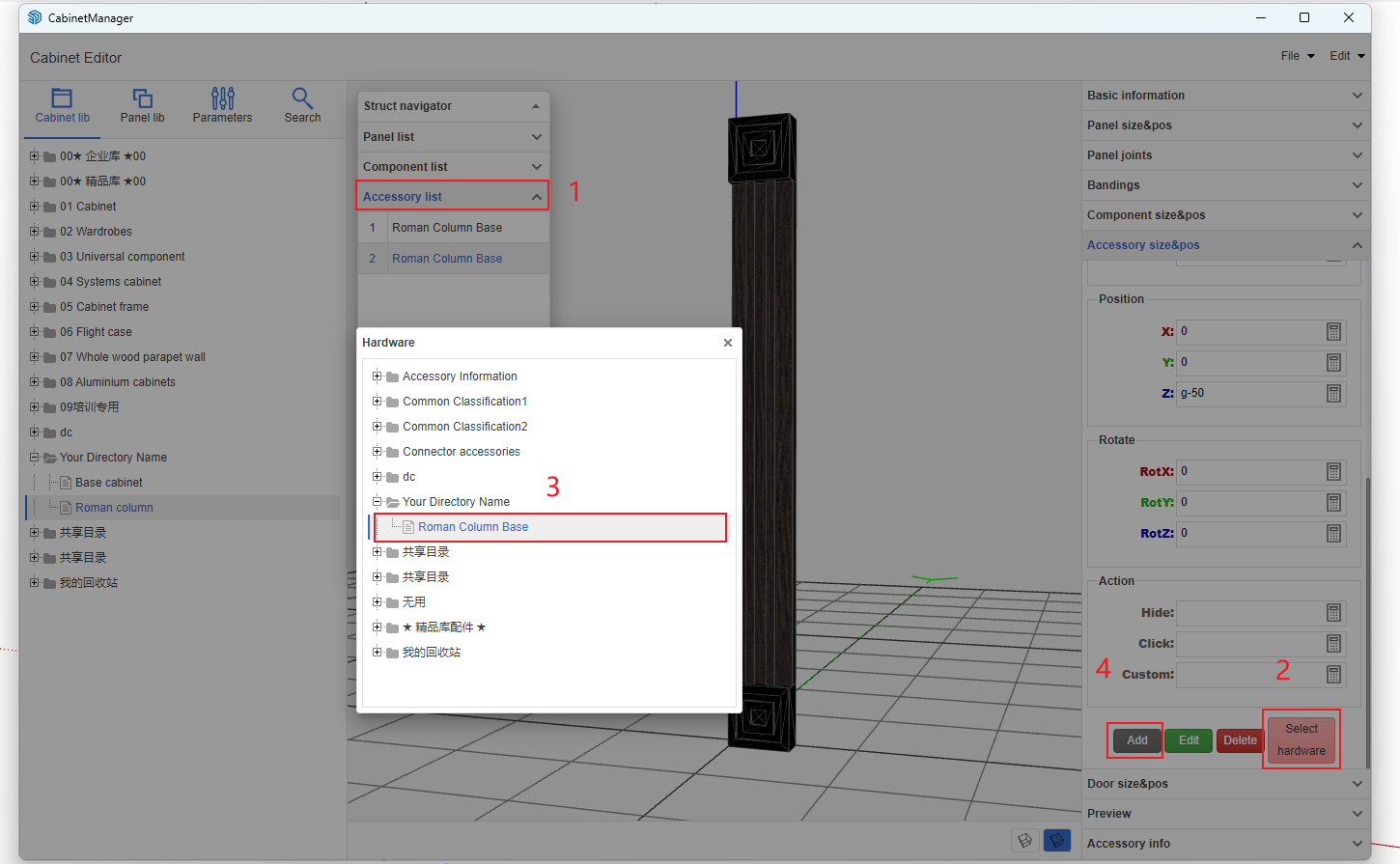
- In the Accessories section, add the column base accessory model you uploaded earlier