Introduction
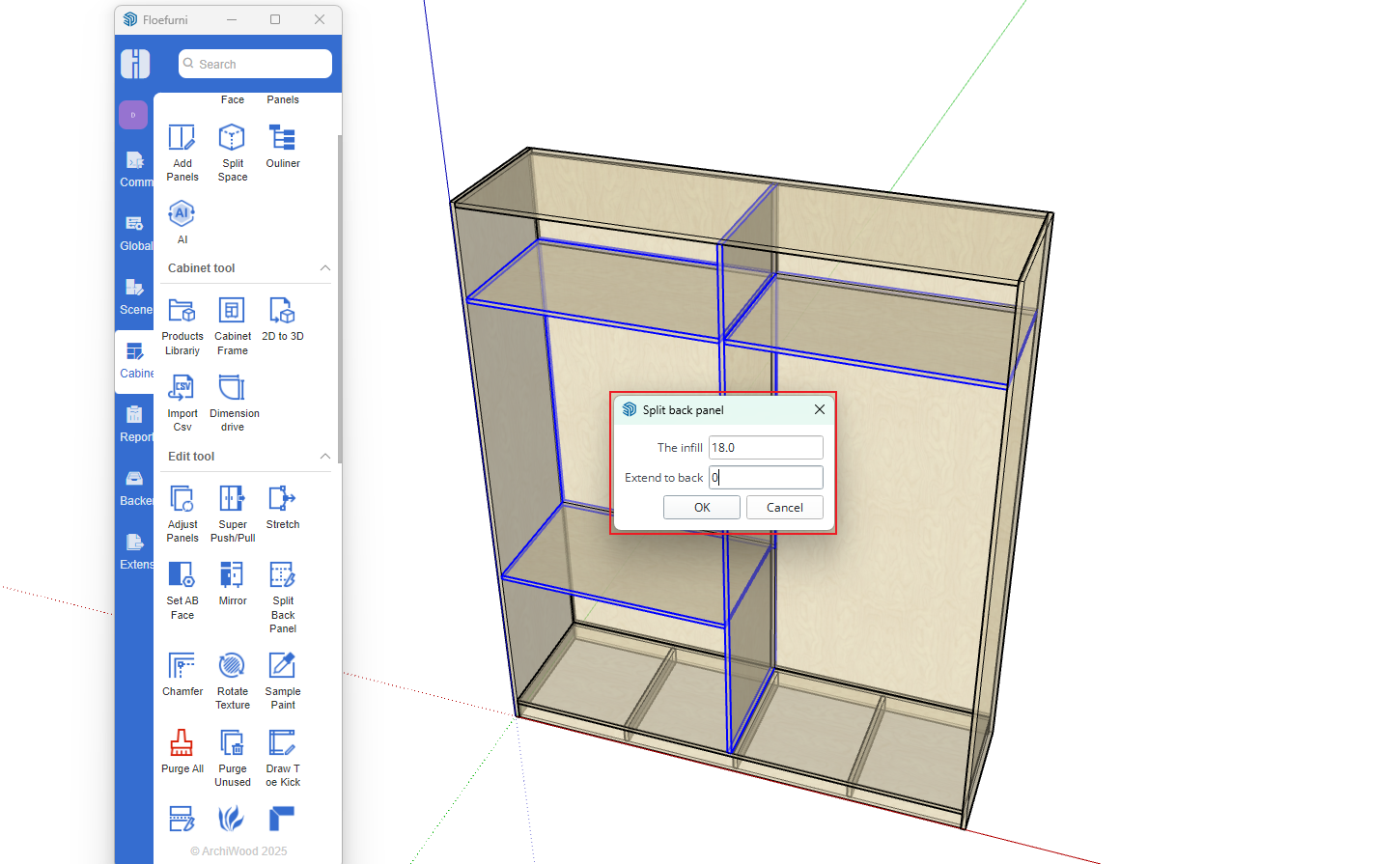
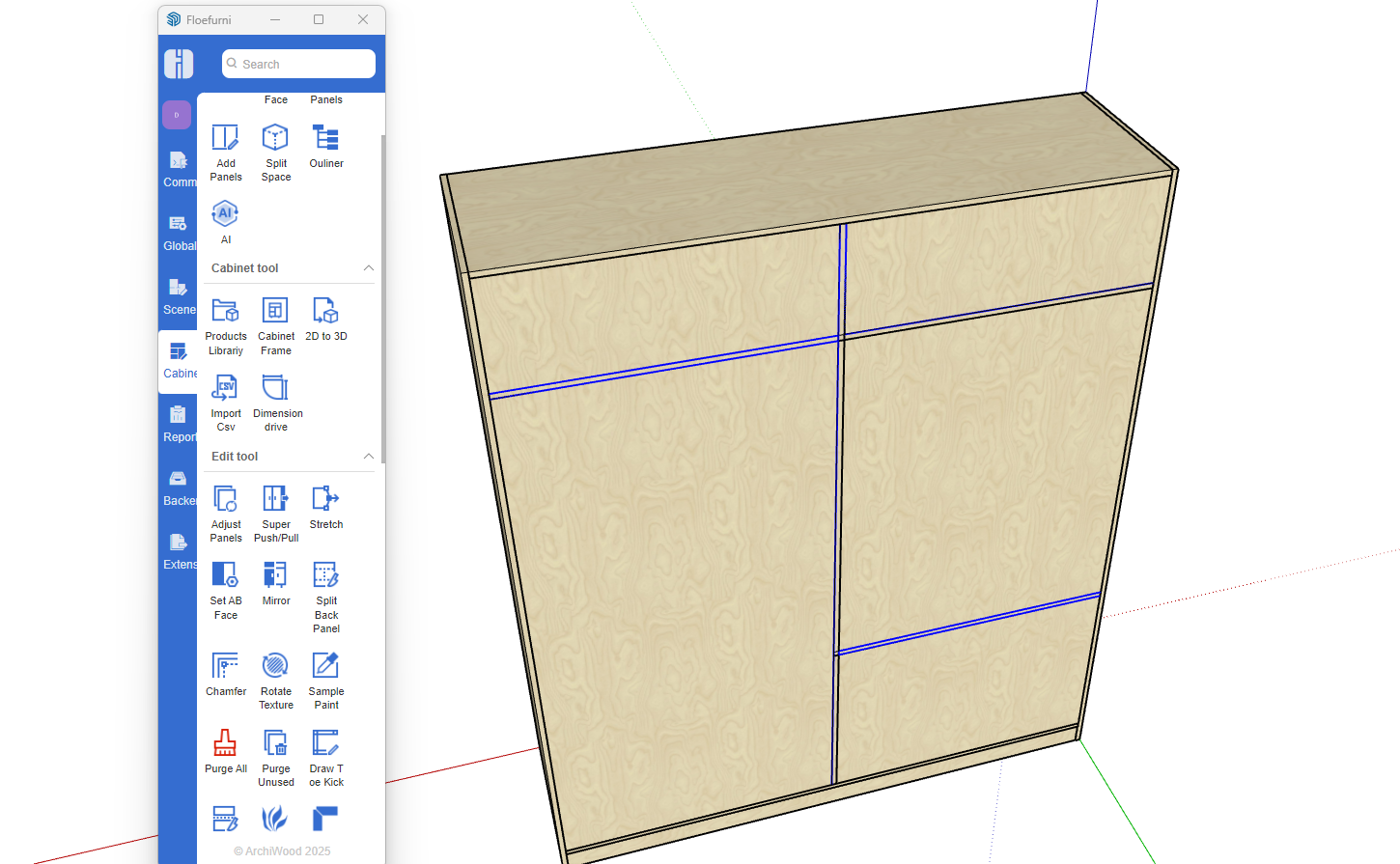
Cabinets with nailed back panel structures differ from those with grooved back panel structures. For example, grooved back panels can be inserted simultaneously by picking multiple internal spaces. However, using the same method for nailed back panels is more complicated. To solve this problem, we designed the back panel splitting function - first insert a complete back panel, then add shelves and vertical panels, and finally use the back panel splitting function to quickly complete this structure.
Detailed Process
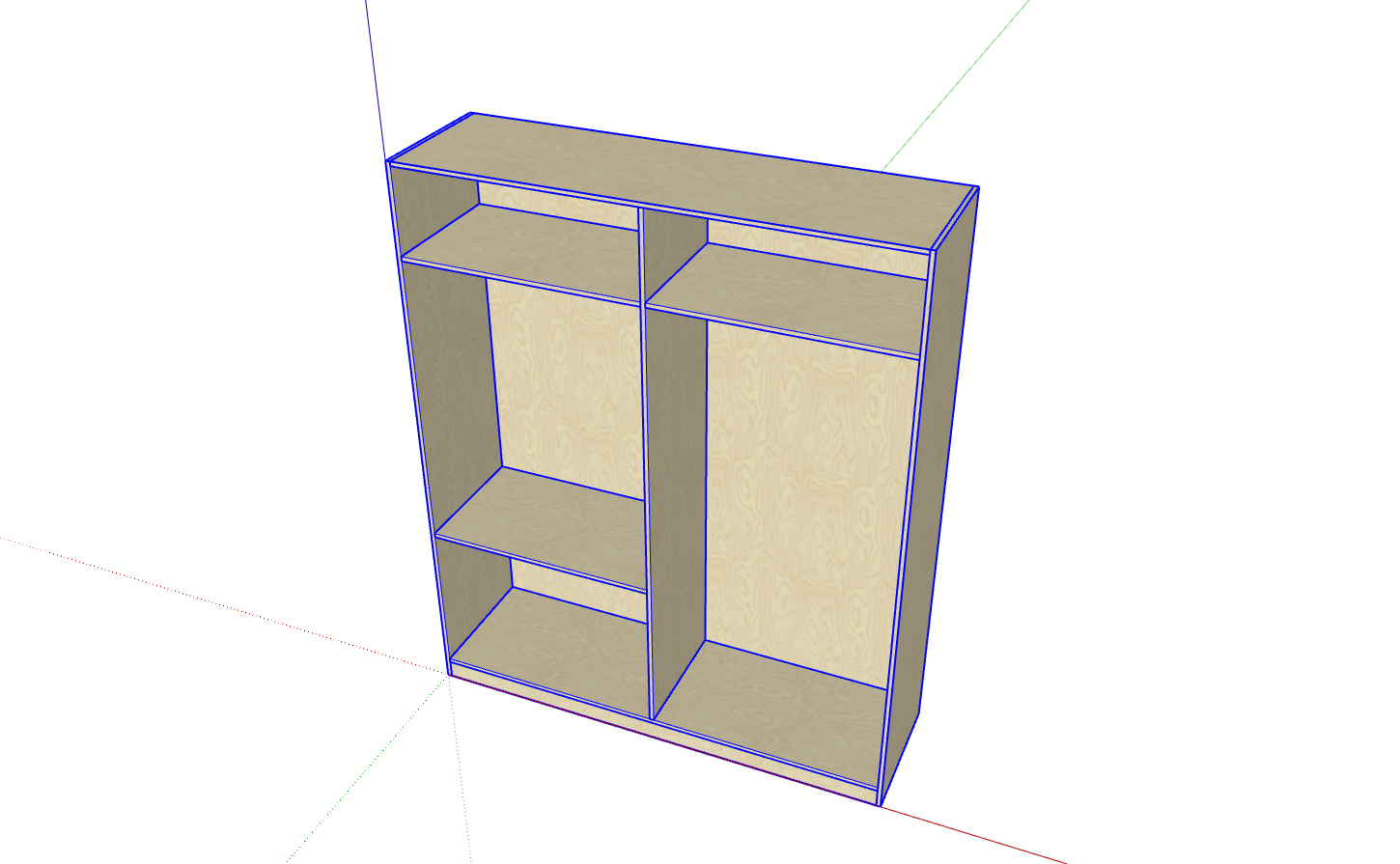
- Create the cabinet
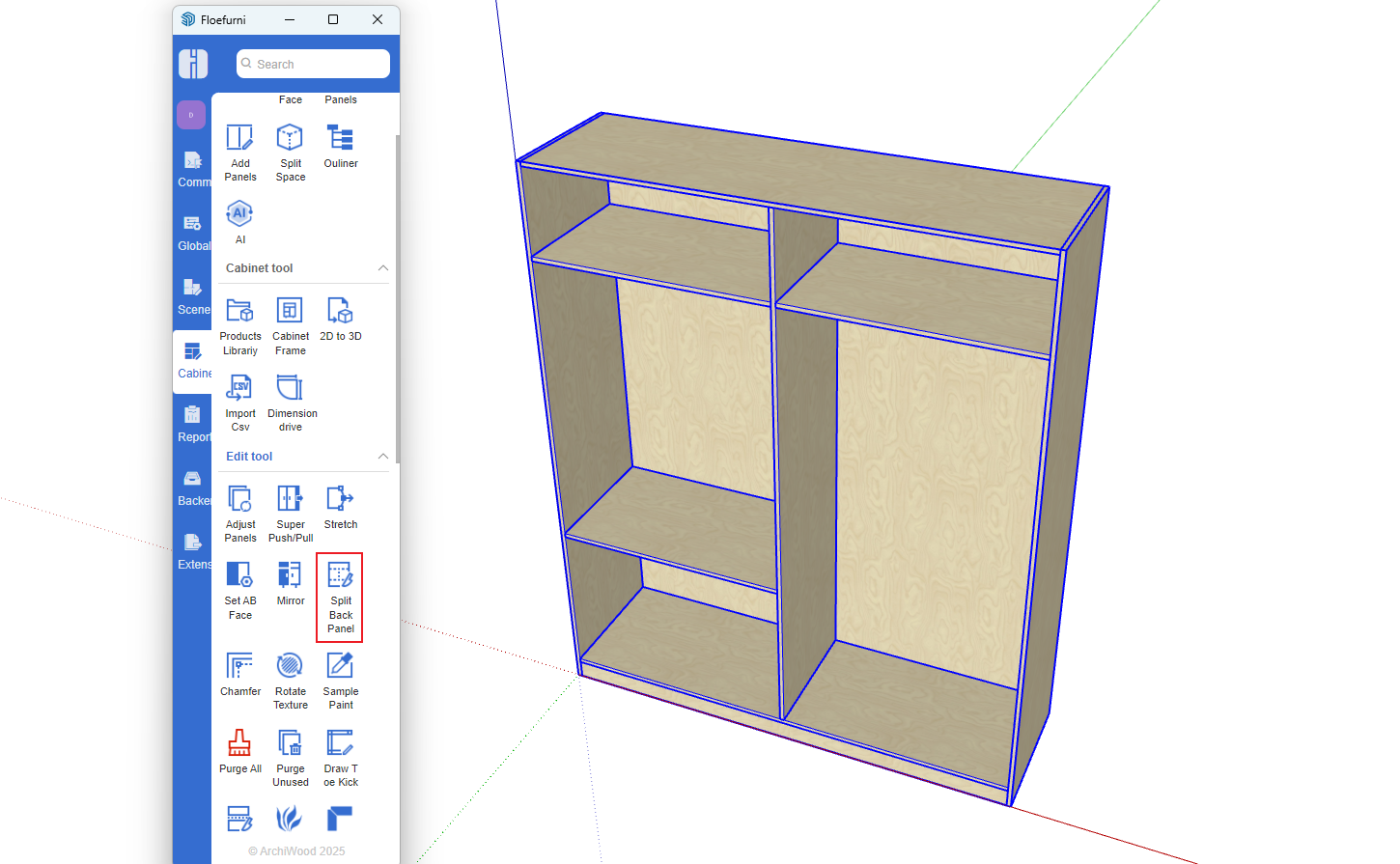
- Click the Split Back Panel function button
- First click on the back panel
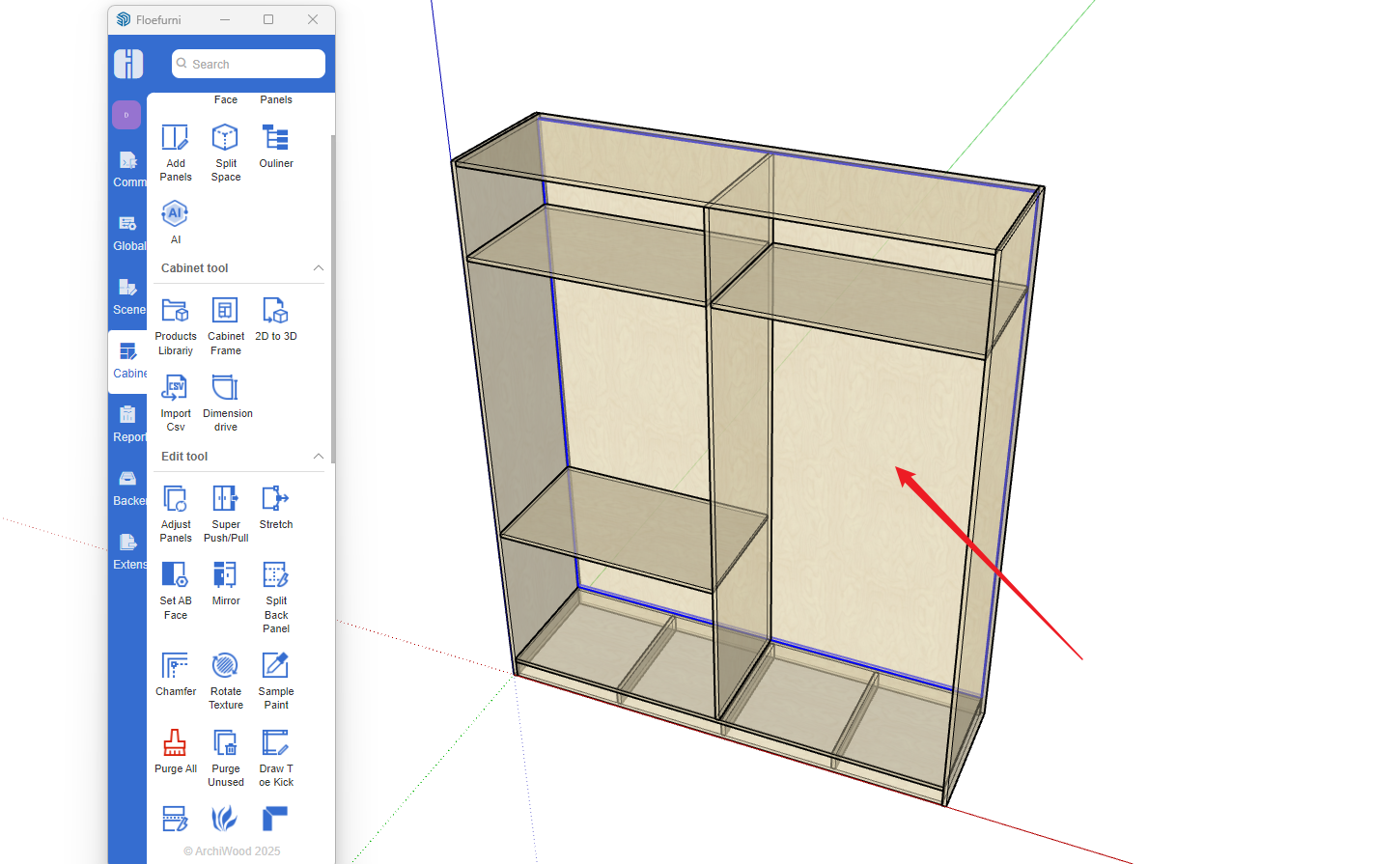
- Then click on the dividing panel
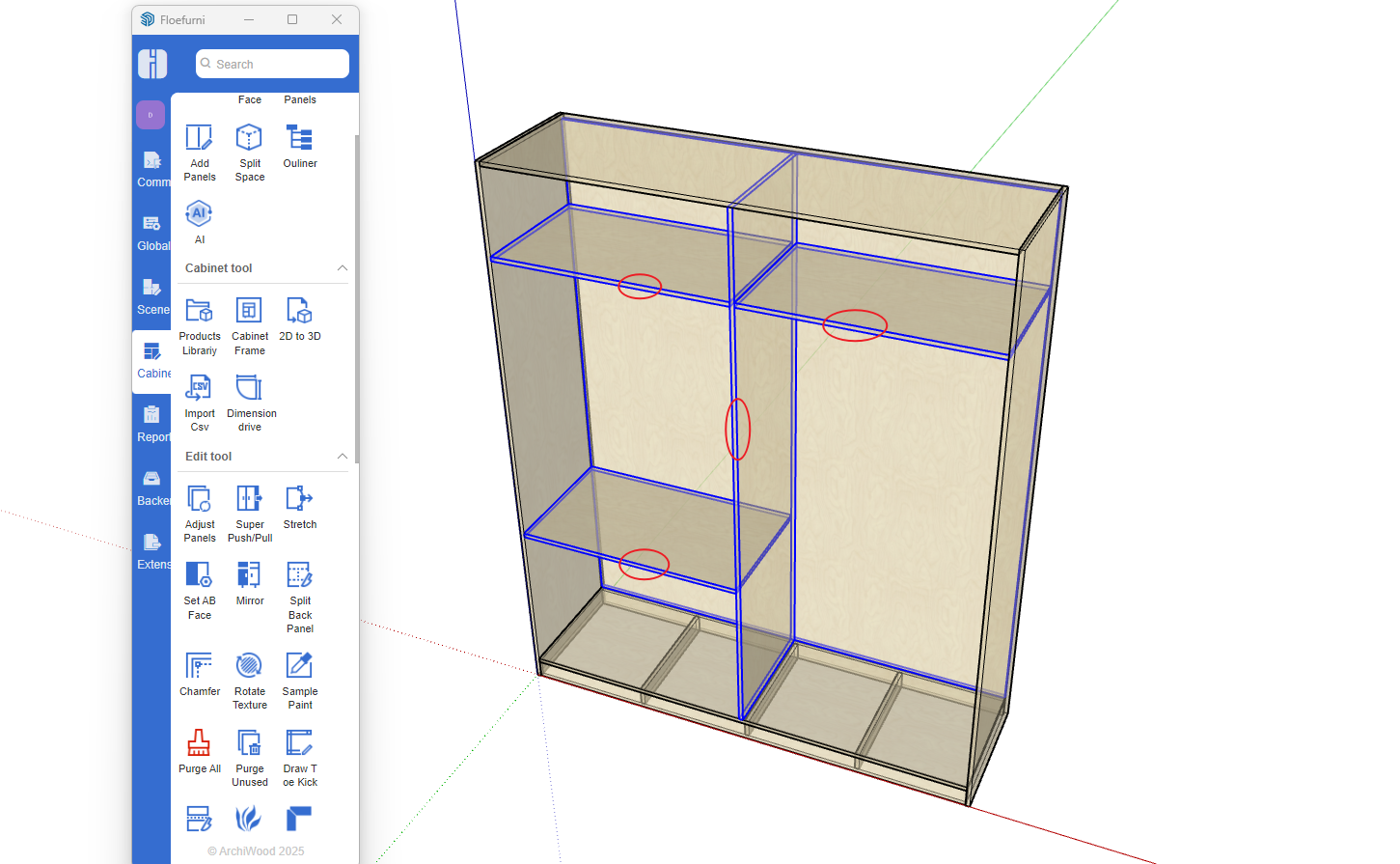
- Right-click to open the menu
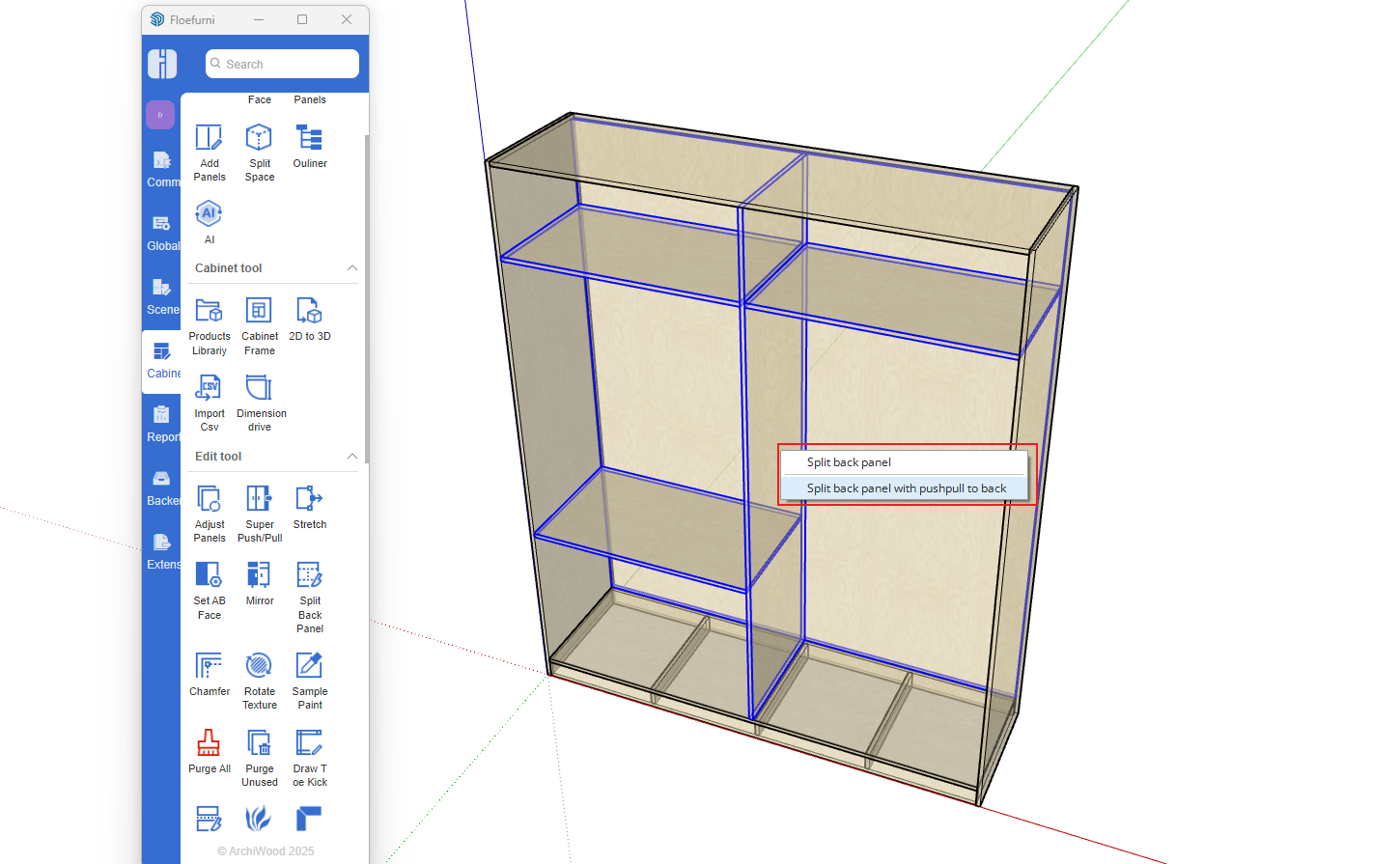
- Completed result