Introduction
The panel adjustment function in the Zhumu Furniture Design System is highly powerful, allowing for position adjustments, inset dimensions, trimming, extending, splitting, chamfering, and more. Below is a detailed guide on how to use these features.
Location of the Panel Adjustment Function
- Select any cabinet
- Click the button -> Adjust panel
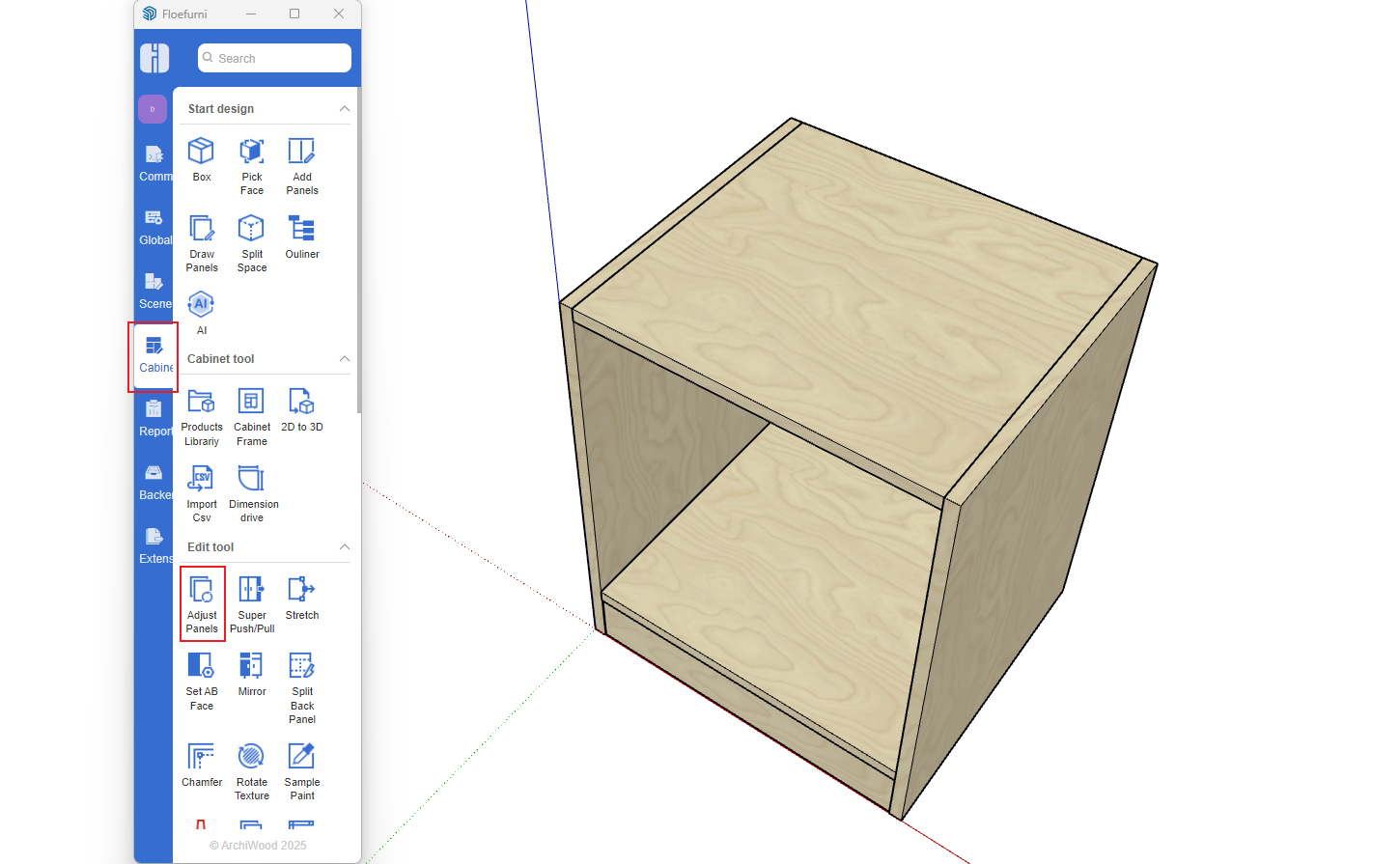
- After clicking, follow the text prompts in the bottom-left status bar to select the panel you want to modify
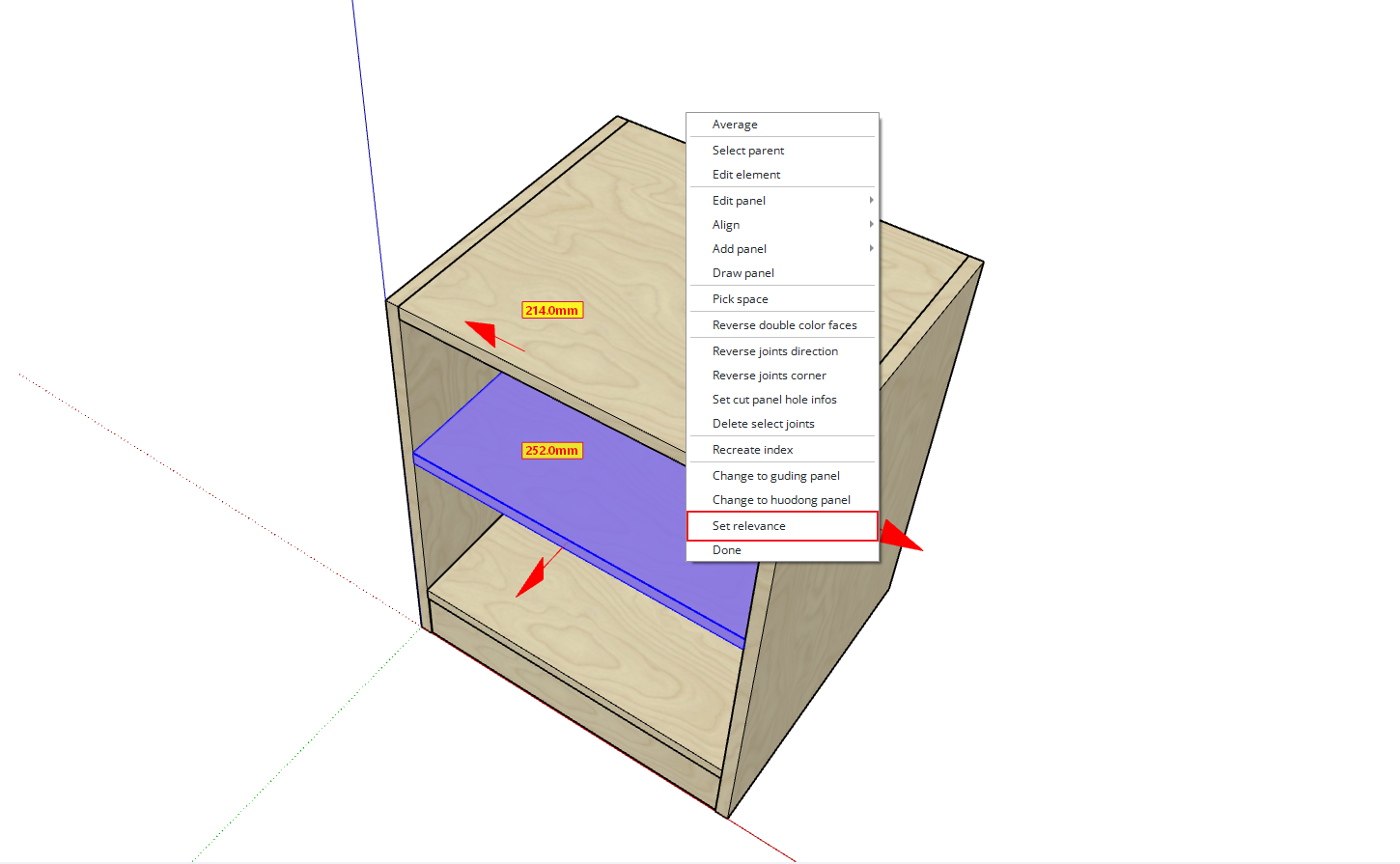
- Once selected, the panel will display arrows in four directions along with position and dimension information within its space
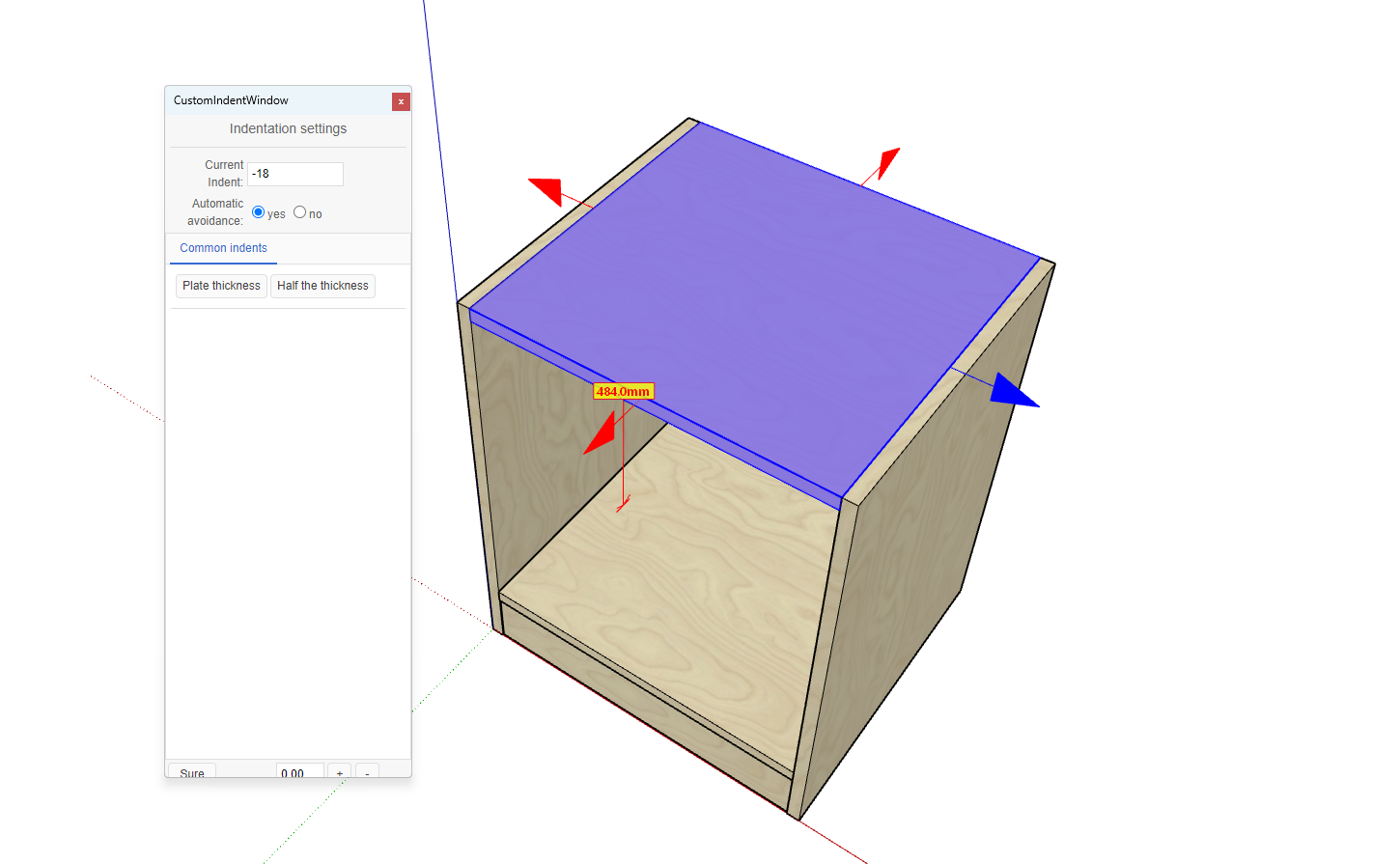
- Click any arrow to modify the inset dimension (positive values for inset, negative values for expansion)
- If you click on a number, you can adjust the panel's position. (Note: By default, panel adjustments are linked. If there's an adjacent side panel in the same position as the current panel, the other panel will also adjust. To prevent this, right-click and set the linkage option to "No" as shown below)